
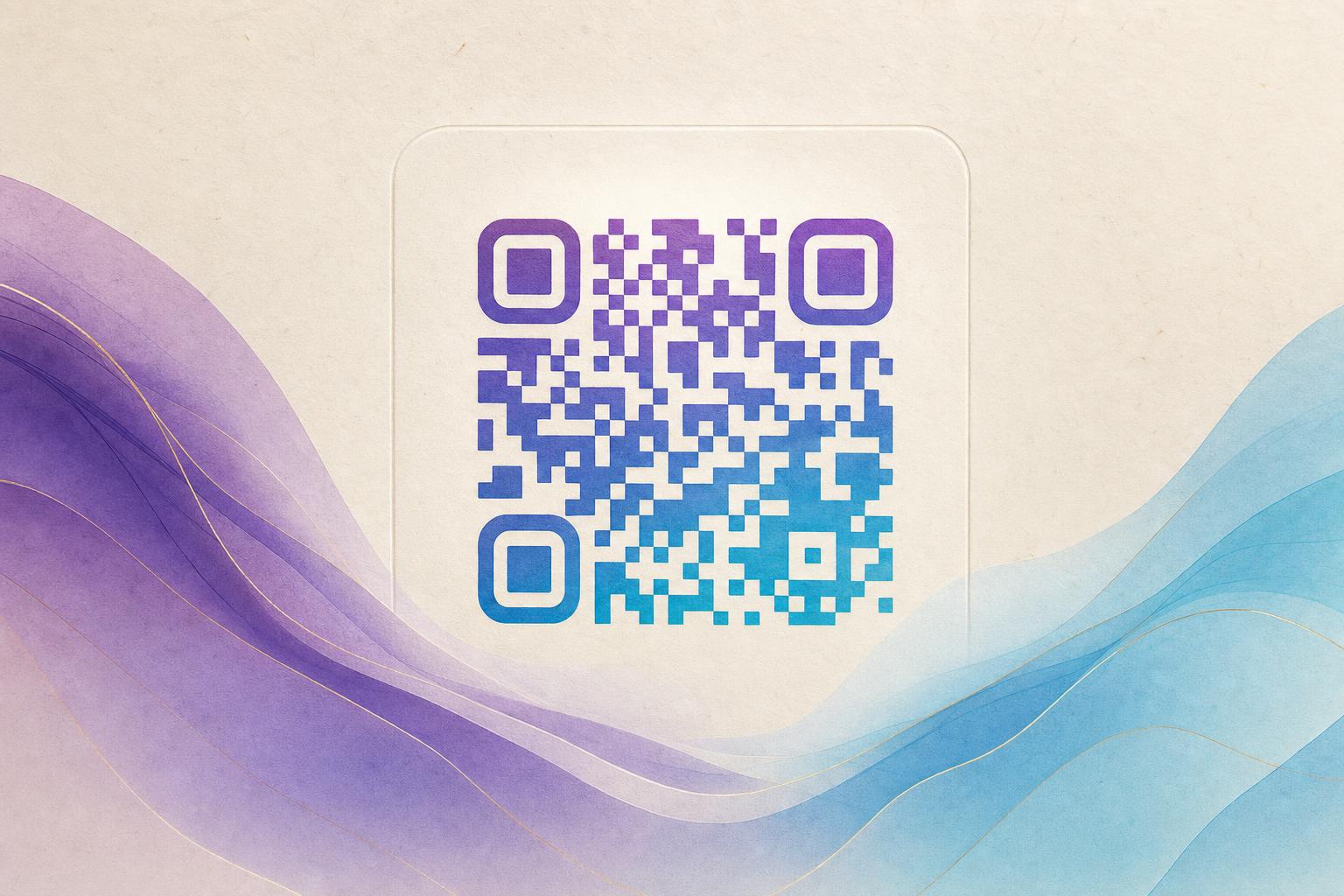
A qr code generator online gratis is a browser-based tool that creates QR codes for free, with no software to install and no account required for basic use. With Aiqrdream you can go one step further: instead of a plain black-and-white square, you generate an AI QR code that blends your link into artwork, a photo, or a logo. The code still scans, but it looks like a designed piece rather than a barcode. This guide answers the query directly and then walks you through the whole process, from picking a destination to exporting a beautiful QR code you can print or post.
What "gratis online" actually gets you
Free online generators vary a lot. A basic one outputs a static image with fixed colors. A stronger QR code generator lets you style the code, add a logo, and choose a circular QR code shape for a softer look. The AI Art QR tool sits at the top of that range: you describe a scene or upload a reference, and the tool renders an artistic QR code where the pattern becomes part of the image. Because it runs in the browser, "online gratis" simply means you open a page, make the code, and download it.
Step 1: Decide what the code should do
Before you design anything, choose the destination. A QR code is only as useful as the page behind it. Common choices:
- A product page or landing page for a campaign QR code
- A menu, booking form, or event details page
- A social profile or portfolio
- A membership QR that opens a sign-up or check-in flow
- A custom short link so the code stays short and easy to manage
If you plan to change the destination later, choose a dynamic QR code. A dynamic code points to a redirect you control, so you can update the link without reprinting. A static code is fine for permanent content that will never change.
Step 2: Pick your art direction
This is where an ai qr code generator differs from a standard one. You are not just choosing colors; you are choosing a visual concept. Good directions for artistic QR codes include:
- Photo fusion: blend the code into a product photo, venue shot, or portrait so the pattern reads as texture.
- Logo fusion: place a brand mark at the center and let the code pattern radiate around it for QR branding.
- Illustrated scenes: landscapes, gradients, or geometric art where the modules hide inside the artwork.
- Minimal styles: a clean styled QR code with rounded modules and a single accent color.
- Motion: an animated version for screens, stories, and digital signage.
Keep contrast in mind. The scanner needs to separate the dark modules from the light background, so avoid low-contrast palettes even if they look elegant.
Step 3: Generate the code
- Open the AI Art QR tool in your browser.
- Paste your destination URL.
- Enter a prompt describing the scene, or upload a reference image if you want photo or logo blending.
- Choose a shape: square for maximum scannability, or a circular QR code for a softer, more decorative look.
- Generate and review the result. Most tools return a few variations, so compare them.
If the first render looks busy, simplify the prompt. Fewer elements usually produce a cleaner AI art QR that still scans reliably.
Step 4: Test before you publish
Always scan the finished image with at least two phones, on screen and in print. Check:
- Does it open the correct page?
- Does it scan from a normal distance, not just up close?
- Does it still work when printed small, in low light, or on a curved surface?
- Is the center logo small enough to leave the pattern readable?
If a scan fails, increase contrast, enlarge the quiet zone around the code, or reduce the amount of artwork covering the modules.
Step 5: Add tracking and a custom link
A designed code is only half the job. With a dynamic QR code you also get QR analytics: scan counts, timing, and rough location data. That turns a static image into a trackable QR code you can evaluate after a campaign. You can also attach a custom QR domain so the redirect looks trustworthy and matches your brand. A smart QR redirect can send mobile users to one page and desktop users to another, which is useful for scan to redirect flows in print and packaging.
Step 6: Export and place it well
Download the highest-resolution file available, ideally a vector or large PNG, so it stays sharp on posters and packaging. Then place it with intent:
- Give it breathing room; do not crowd it against other graphics.
- Pair it with a short call to action such as "Scan to see the collection."
- Match the surrounding design so the code feels like part of the layout.
- For screens, export an animated version and loop it subtly.
If you are building a full layout, combine the code with an AI poster or use an online poster maker to place it beside your headline. A beautiful qr code generator output works best when the code is treated as a design element, not an afterthought.
Common mistakes to avoid
- Too much decoration: heavy artwork over the modules breaks scanning. Keep the pattern visible.
- Low contrast: light modules on a light background fail in bright rooms.
- No test print: screens hide print problems. Print one copy before a full run.
- Static codes for changing links: you will reprint. Use a dynamic QR code instead.
- No tracking: without QR analytics you cannot tell whether the campaign worked.
Where artistic codes work best
Artistic QR codes earn their keep wherever a plain code would look out of place: restaurant tables, gallery labels, event badges, product tags, business cards, and social posts. A circular QR code suits packaging and stickers; a photo-blended code suits real estate flyers and travel campaigns; an animated code suits screens and stories. In each case the code does the same job as a plain one, but it carries QR marketing value because people actually want to scan it.
Start with one code
You do not need a design team to get a polished result. Pick a link, choose a visual direction, generate a few variations, test them, and attach a dynamic redirect so you can measure performance. That is the whole workflow of a free online generator done well: quick to start, easy to refine, and ready to print. Build your first artistic QR code in the browser, scan it yourself, and then scale the design across your next campaign.