
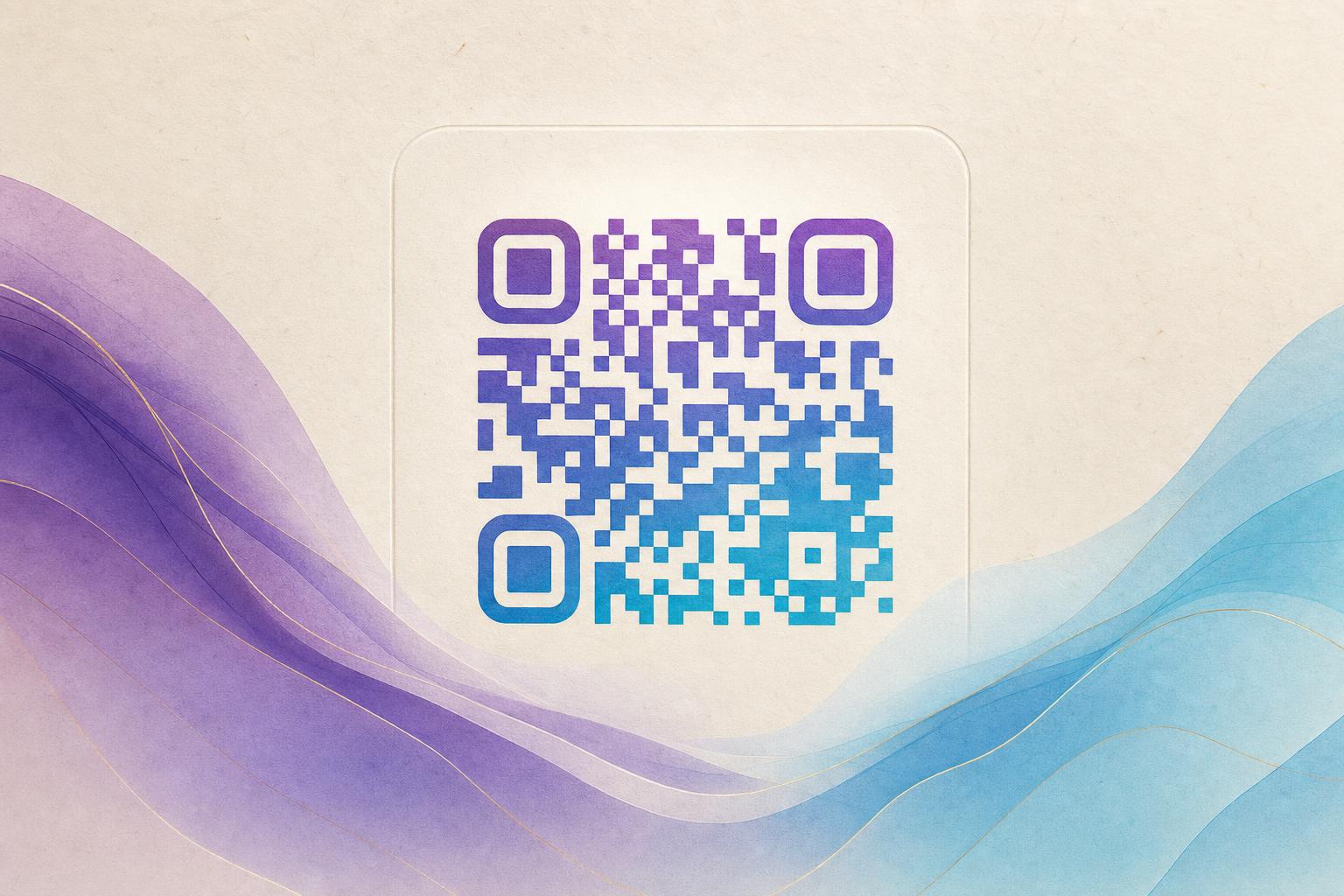
A free QR code generator lets you create scannable QR codes without paying, and with the right tool, you can turn a plain black-and-white square into a piece of art. Whether you want an AI artistic QR code, a QR code blended with your photo or logo, or an animated GIF QR code, this guide walks you through the process using Aiqrdream's free tools. We'll cover everything from choosing the right tool to testing and tracking your code.
Step 1: Choose the Right Free QR Code Generator
Not all free QR code generators are created equal. Some only produce basic codes, while others offer advanced design features. For artistic and blended QR codes, you'll want a tool that supports image uploads, AI generation, and animation. Aiqrdream offers several free tools tailored to different needs:
- AI Art QR: Generates artistic QR codes using AI, blending your content with creative styles.
- Art QR: Lets you apply artistic filters and effects to your QR code.
- QR Fusion: Blends your QR code with a photo or logo seamlessly.
- GIF QR: Creates animated GIF QR codes that stand out.
All these tools are part of a beautiful QR code generator suite that keeps your codes scannable while making them visually appealing. Start by picking the tool that matches your goal.
Step 2: Enter Your Destination URL
Every QR code needs a destination. This could be a website, a landing page, a menu, a social media profile, or any other URL. In your chosen tool, you'll find a field to enter this link. For a dynamic QR code, you can use a custom short link or a custom QR domain to make it branded and trackable. Dynamic QR codes allow you to change the destination later without reprinting the code, which is great for campaigns.
If you're using a free tool, you might have limits on dynamic codes, but Aiqrdream offers dynamic QR code free options for basic use. For advanced features like QR analytics and smart QR redirects, consider upgrading.
Step 3: Customize Your QR Code Design
This is where the fun begins. Depending on the tool, you can:
- Upload an image: For QR Fusion, upload a photo or logo to blend with the QR code.
- Choose an art style: For AI Art QR, select from various artistic styles like watercolor, neon, or pixel art.
- Add animation: For GIF QR, upload a GIF or create one from frames to animate your QR code.
- Adjust colors and shapes: Many tools let you change the color, add a logo in the center, or use circular QR code modules.
Keep in mind that high contrast between the QR code and the background is essential for scannability. Avoid overly complex designs that might confuse scanners.
Step 4: Generate and Test Your QR Code
Once you've customized your design, click the generate button. The tool will create your QR code. Before you download, test it with multiple devices and scanning apps to ensure it works. A good practice is to scan it from different distances and lighting conditions. If it doesn't scan, adjust the design—simplify the background or increase contrast.
For AI artistic QR codes, the AI might need a few seconds to process. Be patient and review the result carefully. Some tools offer a preview before finalizing.
Step 5: Download and Use Your QR Code
Download your QR code in a high-resolution format (PNG or SVG) for print, or a smaller size for digital use. You can place it on posters, business cards, flyers, product packaging, or websites. If you're using a dynamic QR code, you can track scans and update the destination as needed.
For QR code marketing, consider using a campaign QR code that leads to a special landing page. You can also create a membership QR for exclusive content or a live QR code that updates in real-time.
Step 6: Track and Optimize
If you're using a dynamic QR code with analytics, monitor scan data to see how many people are engaging. Use QR analytics to track location, time, and device type. This data helps you optimize your campaigns. You can also use a trackable QR code to A/B test different designs or destinations.
Remember that editable QR code free options may have limitations, but they're great for personal use. For business, consider a dynamic QR code tool with advanced features.
Pro Tips for Artistic QR Codes
- Keep it scannable: Always test before publishing. Avoid too much distortion.
- Use a logo: Placing a logo in the center can boost QR branding.
- Experiment with styles: Try hidden text art or AI hidden text for a unique look.
- Combine with posters: Use an online poster maker to create a full AI poster featuring your QR code.
- Animate wisely: GIF QR codes are eye-catching but ensure the animation doesn't interfere with scanning.
Ready to Create Your Artistic QR Code?
Head over to AI Art QR to generate your first AI artistic QR code for free. Explore other tools like QR Fusion for photo blending or GIF QR for animation. With a free QR code generator, you can turn a simple link into a work of art that people will want to scan.
Remember: A QR code is only as good as its destination. Make sure your link provides value, and use dynamic features to keep it fresh.
Whether you're a marketer, artist, or small business owner, these free tools empower you to create stunning, functional QR codes without spending a dime. Start designing today and watch your engagement soar.