
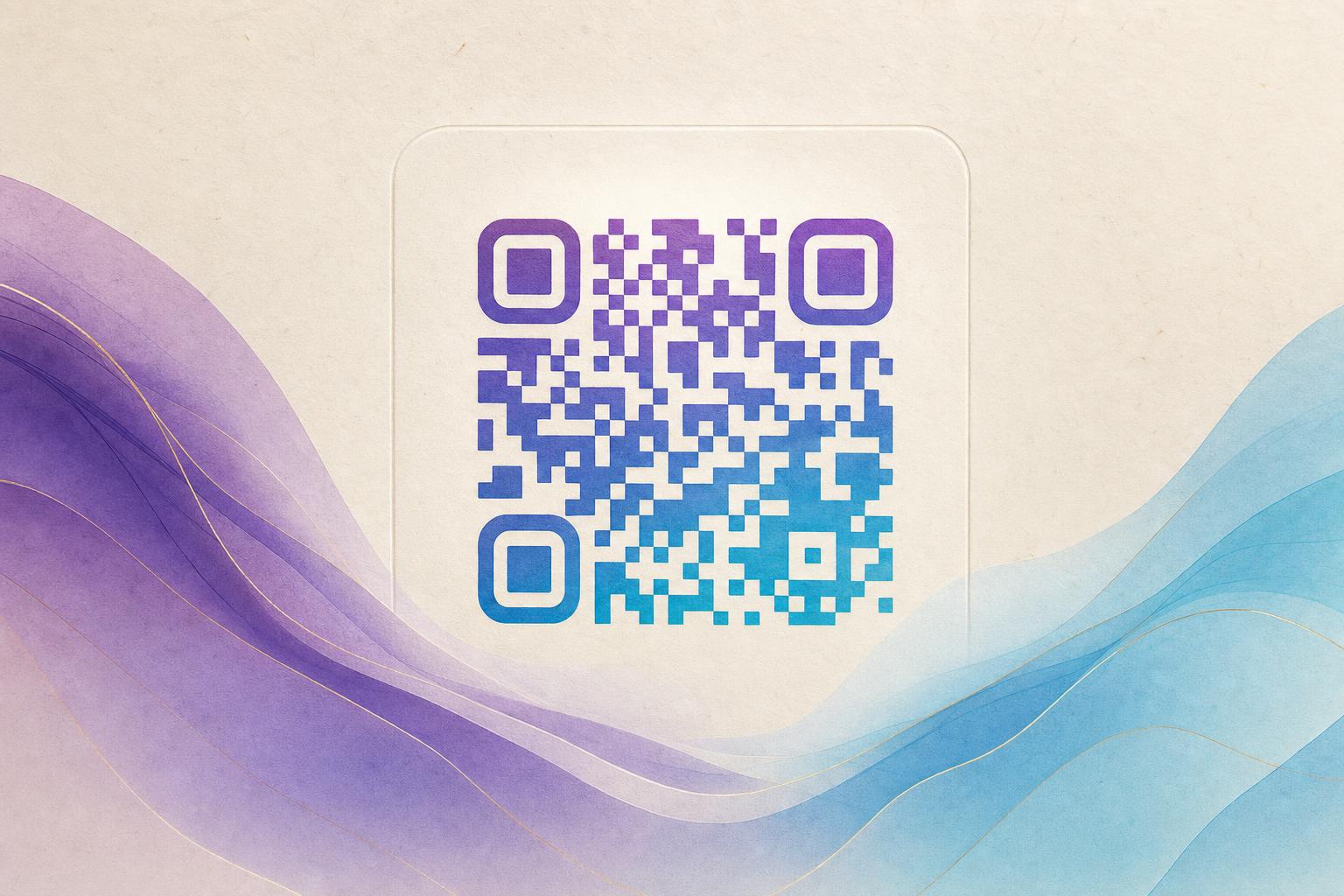
Looking for a free AI QR code generator? You've found it. With Aiqrdream's AI Art QR tool, you can create stunning, scannable QR codes that blend your link with custom artwork—no design skills required. In this guide, we'll show you exactly how to use the free AI QR code generator to produce beautiful, functional QR codes in minutes.
What Is an AI QR Code Generator?
An AI QR code generator uses artificial intelligence to merge a standard QR code with an artistic image, such as a photo, logo, or illustration. The result is a scannable QR code that looks like a piece of art, perfect for posters, packaging, social media, and more. Unlike traditional QR codes, which are purely functional, AI-generated artistic QR codes capture attention and reinforce your brand.
Why Use an AI QR Code Generator?
- Stand out: Turn a boring black-and-white square into a visual asset that people want to scan.
- Boost engagement: Artistic QR codes increase scan rates by making the code more noticeable and appealing.
- Brand reinforcement: Embed your logo or brand colors directly into the QR code for instant recognition.
- Versatility: Use them on posters, flyers, business cards, product packaging, and digital campaigns.
How to Create an Artistic QR Code with AI (Step-by-Step)
Follow these simple steps to generate your own AI art QR code for free.
Step 1: Go to the AI Art QR Tool
Open the AI Art QR page on Aiqrdream. This is your free AI QR code generator. No account is required to start.
Step 2: Enter Your URL
Paste the link you want the QR code to point to—your website, a landing page, a product page, or any other URL. This is the destination users will reach when they scan.
Step 3: Upload an Image or Choose a Style
Upload a photo, logo, or graphic that you want the AI to blend with the QR code. Alternatively, you can select from preset artistic styles like watercolor, neon, or minimalist. The AI will use this as the base for your artistic QR code.
Step 4: Customize Your QR Code
Adjust settings such as color scheme, pattern density, and error correction level. You can also choose to add a logo in the center or create a circular QR code. The goal is to make the QR code scannable while maintaining your desired aesthetic.
Step 5: Generate and Preview
Click the generate button. The AI will produce a unique artistic QR code. Preview it to ensure it looks good and remains scannable. You can regenerate as many times as you like—it's free.
Step 6: Download and Use
Once you're happy with the result, download your AI art QR code in high resolution (PNG or SVG). Use it on your poster, flyer, website, or social media. The QR code is ready to scan.
Tips for Creating Effective Artistic QR Codes
- Keep contrast high: Ensure the QR code pattern stands out from the background. Dark patterns on a light background work best.
- Test before printing: Always scan the QR code with multiple devices to confirm it works.
- Don't overdo the art: The AI blends art with the code, but too much detail can reduce scannability. Use the preview and test feature.
- Use a clear call to action: Add text like "Scan me" or "Learn more" near the QR code to encourage scanning.
- Consider dynamic QR codes: For campaigns, use a dynamic QR code so you can change the destination URL later without reprinting.
Creative Uses for AI Artistic QR Codes
Here are some ideas to inspire your next campaign:
- Posters and flyers: Integrate a QR code into the design seamlessly.
- Business cards: Add a stylish QR code that links to your portfolio or LinkedIn.
- Product packaging: Let customers scan to access instructions, promotions, or reviews.
- Social media: Share a scannable QR code that leads to your latest video or offer.
- Events: Use QR codes on badges or signage to share schedules or exclusive content.
Frequently Asked Questions
Is the AI QR code generator really free?
Yes, the AI Art QR tool is free to use. You can generate and download artistic QR codes without paying.
Will my artistic QR code still scan?
Absolutely. The AI is trained to preserve scannability while adding artistic elements. Always test your QR code before publishing.
Can I edit the QR code after generating?
You can regenerate with different settings. For advanced editing, consider using an editable QR code generator like Aiqrdream's other tools.
Do I need design skills?
No. The AI handles the design. You just provide the URL and an image, and the tool does the rest.
Conclusion
Creating an AI artistic QR code is fast, free, and easy with Aiqrdream's AI Art QR tool. Whether you're a marketer, small business owner, or event organizer, you can now turn any link into a beautiful, scannable piece of art. Try it today and elevate your QR code marketing.