
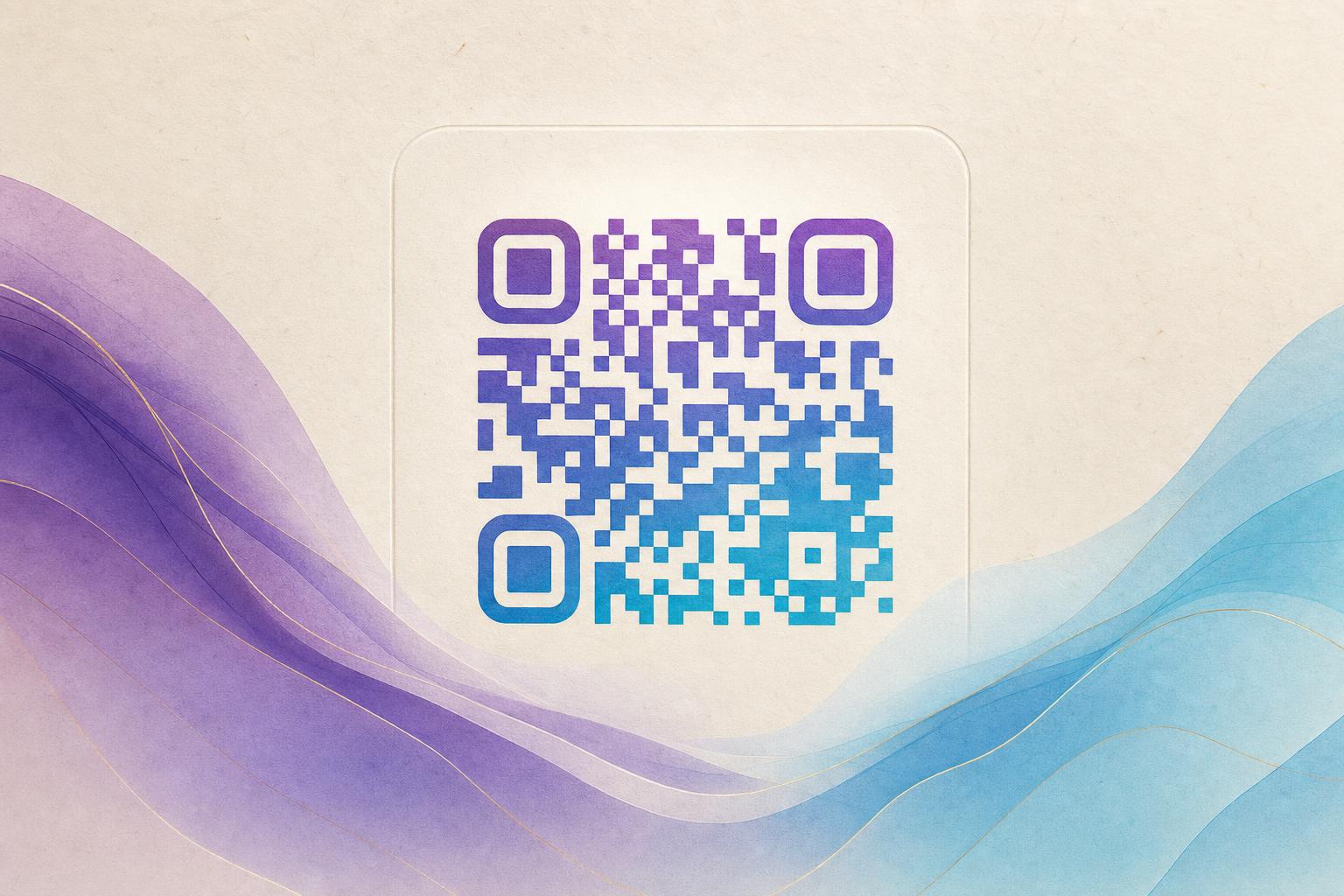
A qr code generator online free is a browser-based tool that turns a link, text, or file into a scannable square you can download without installing software or paying upfront. To make one that actually looks good, open the AI Art QR tool, paste your destination URL, upload the photo or logo you want blended in, choose a style, and generate. The tool layers your artwork around the code modules so the result reads as a designed image rather than a black-and-white sticker. Download it, scan it with two phones, and you are done.
Below is the full workflow, from choosing a destination to testing the final file, plus the details that separate a scannable artistic QR code from one that fails in the wild.
Step 1: Decide what the code should do before you design it
Design comes second. First, write down the job of the code. A menu code, a membership QR, a poster for an event, and a product tag all have different constraints.
- Static or dynamic? A static code stores the data itself and never changes. A dynamic QR code stores a short redirect, so you can edit the destination later without reprinting.
- Where will it live? Print on a poster allows more artistic freedom than a 2 cm sticker on packaging.
- Do you need data? If you want QR analytics — scans by time, device, or location — you need a trackable QR code, which means a dynamic setup.
For anything you plan to reuse, choose dynamic QR code online generation. The editable QR code benefit is worth it the first time a campaign URL changes.
Step 2: Prepare your destination and artwork
Shorten the link first
Long URLs force a denser pattern, and dense patterns are harder to blend into art. Use a custom short link or a custom QR domain so the encoded string stays short. A branded short link also reinforces QR branding every time someone sees the URL in a caption or email.
Pick artwork with clear contrast
The best source images have a strong subject against a simpler background. A portrait, a product cutout, a mascot, or a bold logo all work well. Busy crowds and low-contrast gradients give the generator little to work with. If you are fusing a logo, use a high-resolution PNG with a transparent background.
Step 3: Generate the AI art QR
- Open the AI Art QR generator in your browser.
- Paste your short link and confirm the destination loads correctly.
- Upload your photo or logo.
- Choose a style direction — painterly, neon, minimal, or photo-blend — and adjust intensity so the code modules stay visible.
- Generate, then compare two or three variations side by side.
- Download the highest-resolution file offered, ideally PNG or SVG.
If you want a softer, more decorative silhouette, try a circular QR code layout. Circular QR code free options work well on badges, coasters, and social avatars, though square formats usually scan more reliably at small sizes. You can also produce a styled QR code with rounded modules and a custom color palette to match your brand.
Step 4: Test like a stranger would
This step is where most AI QR code projects succeed or fail. Do not trust a preview on your own screen.
- Scan with at least two phones — one iPhone and one Android.
- Test in the native camera app, not only a dedicated scanner.
- Print a proof at final size and scan from the real viewing distance.
- Check low light and glare, especially for glossy poster stock.
- Confirm the landing page is mobile-friendly and loads fast.
If a scan takes more than two seconds to lock on, increase contrast or quiet-zone margin before you print. A beautiful code that hesitates is a failed code.
Step 5: Place it where it gets scanned
Give the code breathing room. Leave a clear margin around the edge, keep it away from folds and curved surfaces, and size it so the code occupies roughly the width of a phone camera frame at the expected distance. On a poster, place it at chest height or below so people can reach it comfortably.
Pair the AI art QR with a short call to action: "Scan for the menu," "Scan to redirect to the offer," or "Scan to join." A code with no instruction gets ignored.
Step 6: Measure and iterate
Once the code is live, watch the numbers. A live QR code with QR analytics tells you which placement wins, which hour peaks, and whether people drop off after the redirect. If one poster variant outperforms another, reuse that artwork style across the campaign.
For a coordinated launch, you can build the surrounding AI poster in the same session using an online poster maker, keeping the palette and type consistent with the code. That consistency is what makes a campaign QR code feel designed rather than bolted on.
Common mistakes to avoid
- Over-styling. Covering too much of the pattern breaks scanning. Let the art frame the code, not erase it.
- Low resolution. A 500 px image looks fine on screen and terrible in print. Always export large.
- No fallback. Add a plain short link in text nearby for anyone whose camera refuses.
- Forgetting the redirect. Test that your smart QR redirect points to the right page on mobile, not a desktop homepage.
- Never re-testing. If you edit a dynamic destination, scan again the same day.
Quick recap
Use a qr code generator online free to create the base, then push it further with an AI art QR that blends your photo or logo. Keep the link short, choose dynamic if you need edits or tracking, export at high resolution, and test on real phones before anything goes to print. With those habits, a beautify QR code project becomes a reliable part of your QR code marketing instead of a one-off experiment.