
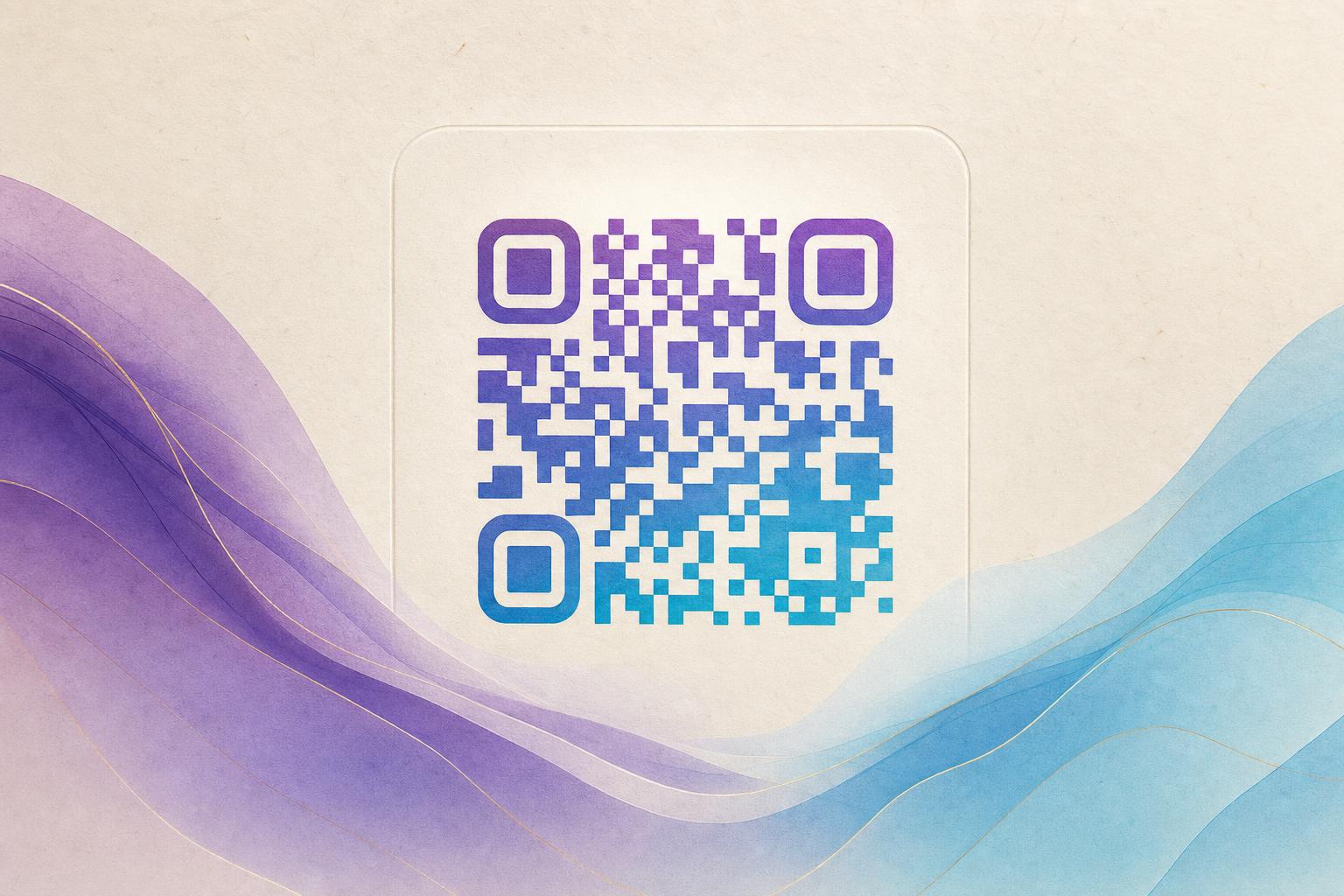
If you are searching for a qr code generator ฟรี ไม่หมดอายุ ไม่มีโฆษณา, here is the short answer in English: you want a QR code generator that is free to use, produces codes that never expire, and does not force ads into your scans or your dashboard. The practical way to get all three is to build your code as a dynamic QR code with a free account, keep the destination on a custom short link you control, and style the code with an ai art qr code generator rather than a plain black-and-white block. That combination gives you a live QR code you can edit later, no expiry date on the image, and a clean scan experience with no interstitial ads. This tutorial shows the exact steps.
What “free, no expiry, no ads” should actually mean
Before you design anything, it helps to separate three promises that are often bundled together.
- Free means you can generate, download, and use the code without paying. Watch for tools that let you preview a styled QR code but charge at download.
- No expiry means the code keeps resolving. Static codes printed as an image never expire, but they also cannot be changed. Dynamic codes stay live as long as the redirect is active, which is why a free account with no time limit matters.
- No ads means no ad page between the scan and your destination, and no ad clutter inside the editor. A clean scan to redirect experience protects your QR branding.
A well-built QR code generator gives you a downloadable file, a working destination, and a dashboard you can return to. If any of those three is missing, the “free” offer is usually a trial in disguise.
Step 1: Decide what the code should do
An AI QR code is still a QR code, so the destination comes first and the artwork comes second. Choose one job:
- A link to a product page, menu, or signup form
- A membership QR for a club, gym, or loyalty program
- A campaign QR code for a poster, flyer, or packaging
- A portfolio or event page that may change later
If the destination might change, build a dynamic QR code. You point the code at a custom short link, and later you edit where that link goes. The printed code stays identical, which is the whole point of an editable QR code.
Step 2: Create the link and keep it yours
Set up the destination URL, then shorten it on your own custom QR domain if the tool offers one. A branded short link does two things: it looks trustworthy when someone previews the URL, and it keeps the redirect under your control instead of a third party's.
At this stage, confirm the basics that support the no-expiry promise:
- The account is free and has no trial countdown.
- The redirect has no scheduled deactivation.
- The scan opens your page directly, with no ad interstitial.
Step 3: Generate the AI art QR code
Now bring in the visual layer. Open the AI Art QR Code Generator and paste your link. This is where a plain code becomes an artistic QR code that people actually want to scan.
A practical workflow:
- Pick a theme that matches the destination, such as a product photo, a brand pattern, or a poster-style scene.
- Blend a photo or logo into the code so it reads as part of the design rather than a sticker slapped on top.
- Keep contrast between the modules and the background. Artistic does not mean invisible.
- Choose a shape; a circular QR code works well on badges, coasters, and social avatars.
If you want a motion version for screens, the same link can be rendered as an animated code. A GIF QR suits lobby displays, stories, and video end cards where a static image feels flat.
Step 4: Test before you print or publish
This step is where most QR problems are caught. Test the code the way a stranger would:
- Scan from at least three phones, including one older device.
- Test at the real print size, not zoomed in on a monitor.
- Check low light and an angled view.
- Confirm the landing page loads fast on mobile data.
If a scan fails, the usual culprits are low contrast, artwork covering the finder patterns in the corners, or a code printed too small. Adjust the design rather than shrinking the code further.
Rule of thumb: if you have to squint to find the three corner squares, the scanner will struggle too.
Step 5: Add tracking so the code earns its keep
A trackable QR code turns a design asset into a measurement tool. With QR analytics you can see scan counts, rough location, device type, and time of day. That data answers questions a plain link cannot:
- Which poster placement drives the most scans?
- Does the circular version outperform the square one?
- Which day of a campaign peaks?
Use those numbers to iterate. Because the code is dynamic, you can swap the destination, test a new offer, or fix a broken page without reprinting anything. That is the real value of a smart QR redirect.
Step 6: Reuse the design across formats
Once one code works, treat it as a template. The same visual language can carry across a QR code studio workflow into posters and packaging. If you are building a full campaign, pair the code with an AI poster so the artwork and the code share a palette and style. An online poster maker or poster generator keeps the layout consistent while the code stays the scan point.
For social and print mixes, export the right file for each surface: vector for print, PNG for slides, GIF for screens. Keep one master version of the link so every asset points to the same live QR code.
Common mistakes that break the “no ads, no expiry” promise
- Using a trial redirect service. The code is fine, but the redirect dies when the trial ends. Check the terms before printing.
- Burying the code in artwork. Heavy hidden text art or dense imagery can push error correction past its limit.
- No fallback. Always print the short URL in small text under the code so a failed scan still has a path.
- Skipping analytics. Without QR code marketing data, you cannot tell which placements work.
Frequently asked questions
Do AI art QR codes still scan reliably?
Yes, when contrast and the corner patterns are preserved. Generate, then test on real phones at real size before committing to print.
Can a free QR code really never expire?
A static image code does not expire on its own. A dynamic code stays live as long as its redirect is active, so choose a free plan with no time limit and keep your account in good standing.
Is the code editable after printing?
The printed image cannot change, but the destination behind a dynamic code can. That is why you point the code at a short link you control.
Where should I start?
Start with the AI Art QR Code Generator, paste your link, choose a theme, and test the result. Then decide whether you need a motion version or a poster layout to complete the campaign.
Build the code once, keep the redirect clean, and test before you print. That is how you get a genuinely free, non-expiring, ad-free QR code that also looks like something worth scanning.