
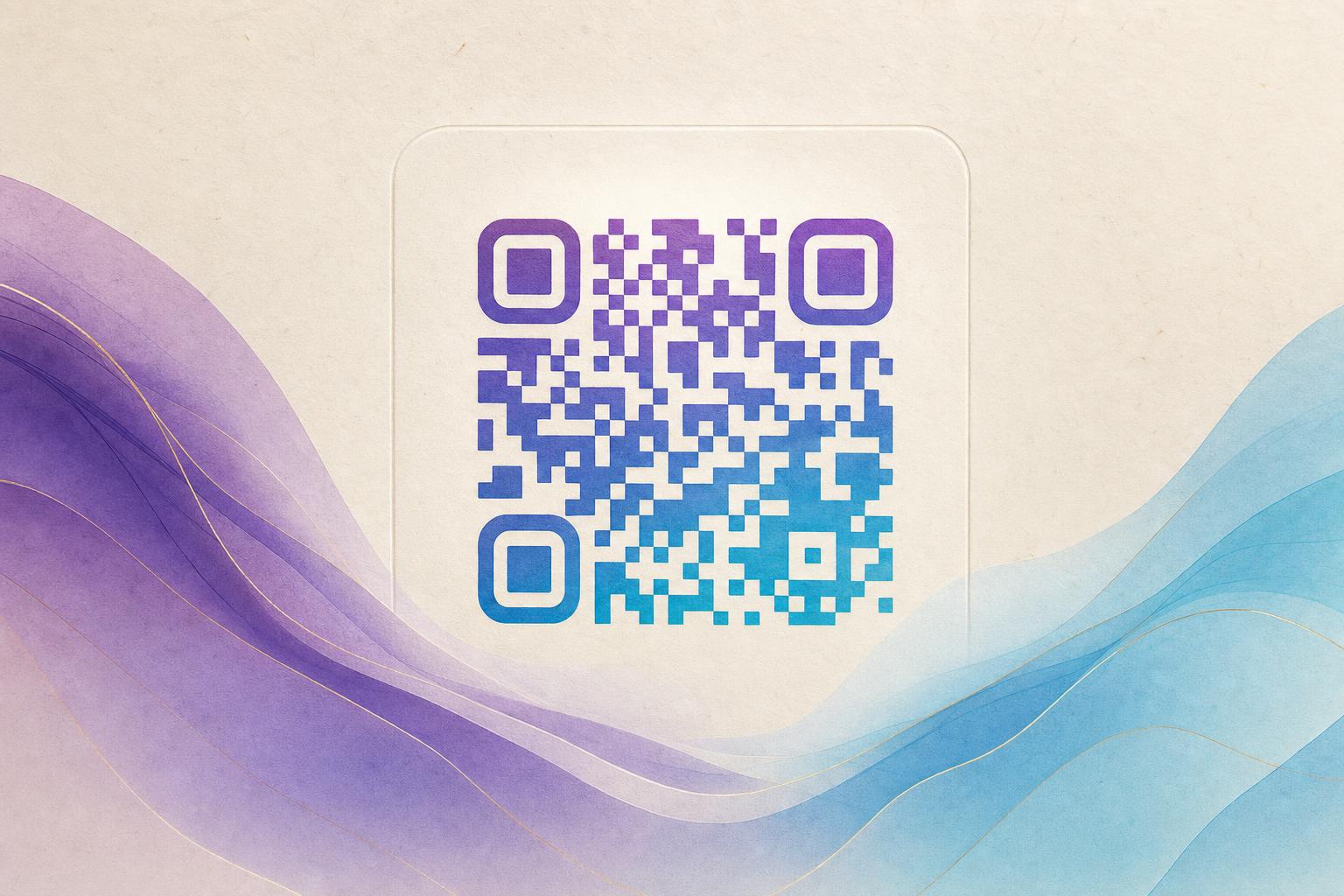
A qr code generator gratis selamanya — a QR code generator that is free forever — lets you create and keep working QR codes without paying a subscription or watching your codes expire. With Aiqrdream, you can generate an artistic QR code, blend it with a photo or logo, or animate it as a GIF, then edit it online and track scans whenever you need. The short answer: yes, you can build a beautiful, scannable QR code for free and keep using it, and the steps below show you exactly how.
What "free forever" really means for a QR code
Many generators only make the image free. The moment you want to change the destination or keep the code alive, you hit a paywall. A true free-forever approach separates two things: the artwork you generate and the link it points to. When you use a dynamic QR code, the printed image stays the same while the destination can be updated later. That is what makes a live QR code worth keeping. Before you start, decide whether you need a static code (fixed link, simplest option) or a dynamic one (editable, trackable). For campaigns, menus, or packaging, dynamic is almost always the better choice.
Step 1: Pick the right artistic style
An AI QR code hides the code pattern inside artwork so it still scans. Aiqrdream offers a few paths:
- AI art QR — generative artwork that blends the code into a scene, texture, or illustration.
- Artistic QR code with your own photo or logo — a QR code blended with a photo or logo keeps branding front and center.
- Animated GIF QR — a moving code for screens, stories, and digital signage.
If you want the most control over blending an image, start with the QR Fusion tool, which lets you merge a picture or logo with the code pattern.
Step 2: Enter your destination link
Paste the URL you want people to reach. This can be a landing page, a menu, a signup form, a product page, or a custom short link. Keep it short and relevant. If you plan to scan to redirect later, use a dynamic code so you can change the target without reprinting. A custom QR domain makes the scan feel more trustworthy and on-brand.
Step 3: Generate and customize the artwork
Now the fun part. In the QR code studio, choose a style, upload a reference image or logo, and adjust contrast, color, and pattern density. A few practical rules keep the code scannable:
- Keep strong contrast between the code modules and the background.
- Leave the three corner finder patterns clear and high-contrast.
- Do not over-decorate the center — keep a quiet zone around the code.
- Test at the final print size, not just on screen.
You can also try a circular QR code or a styled QR code with rounded modules for a softer look. If you want the code to double as art, a hidden text art or AI hidden text treatment can embed a word or message into the pattern.
Step 4: Edit the QR code online
One advantage of a modern QR code generator tool is that you can edit QR code online after generating it. Swap colors, replace the logo, adjust the art, and re-test the scan. If you are running a campaign, this is where QR branding happens: match the palette to your brand, add a logo, and keep the design consistent across placements. A beautiful QR code generator should let you iterate quickly without starting over.
Step 5: Test, then deploy
Scan the code with at least two phones and two apps. Check it in bright light and at the distance people will actually use. For print, export at high resolution. For screens, use the GIF version so motion draws attention. Then place it where it makes sense: packaging, posters, table tents, flyers, or a campaign QR code on social.
Step 6: Track and update
If you chose a dynamic code, open QR analytics to see scans by time and location. This is where QR code marketing gets useful: you learn which placement works and can update the destination anytime. That is the real payoff of a free-forever generator — the code stays live, and you stay in control.
Common use cases
- Membership QR cards that link to a signup or profile page.
- AI poster designs where the code is part of the artwork.
- Menus, event badges, and product tags with a trackable QR code.
- Social posts and stories using an animated GIF QR.
Final tip
Start simple, then beautify. Generate a clean code first, confirm it scans, and only then layer on art. That order saves time and protects reliability. With a free-forever workflow, you can keep refining your artistic QR code and reuse the same link for months.