
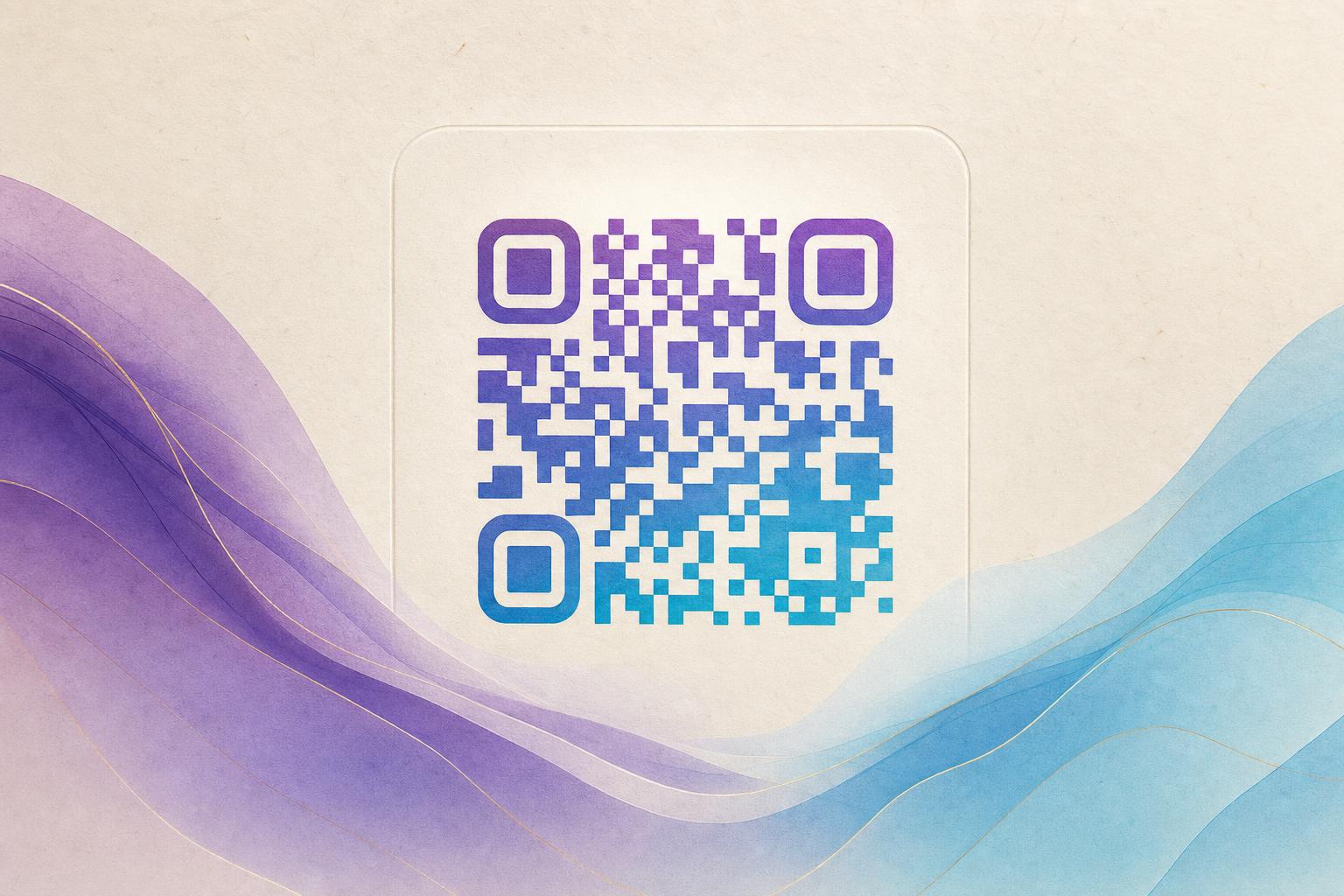
If you're searching for a qr code generator generator free, you've come to the right place. A free QR code generator lets you create functional QR codes at no cost, and with Aiqrdream's AI-powered tools, you can turn ordinary QR codes into beautiful, scannable art. In this guide, we'll show you exactly how to use a free QR code generator to produce artistic QR codes that stand out—whether you want to blend a QR code with a photo, logo, or create an animated GIF QR code.
Why Use an Artistic QR Code?
Standard black-and-white QR codes are functional but often ugly. An artistic QR code integrates the code seamlessly into a design, making it more visually appealing and increasing scan rates. With Aiqrdream's qr code ai art generator online, you can create QR codes that look like part of your branding, not an afterthought.
Step-by-Step: Create Your Artistic QR Code
Step 1: Choose Your QR Code Type
Decide what your QR code will do. Common options include:
- Scan to redirect to a website
- Dynamic QR code for editable destinations
- Membership QR for access control
- Campaign QR code for marketing
With a dynamic QR code, you can change the destination later without reprinting—perfect for QR code marketing.
Step 2: Generate a Basic QR Code
Use any free qr code generator online to create a standard QR code. You'll need to enter the URL or text. Most generators offer options for size, color, and error correction level. For artistic QR codes, choose a high error correction level (H) to ensure scannability even after customization.
Step 3: Beautify Your QR Code with AI
Now the fun part: use an AI QR code tool to transform your basic code into art. Aiqrdream offers several options:
- AI Art QR: Blends your QR code with AI-generated art styles (e.g., watercolor, neon, geometric).
- QR Fusion: Merges your QR code with a photo or logo for a custom look.
- GIF QR: Creates an animated GIF QR code that moves and catches the eye.
For a quick start, try the AI Art QR tool to generate a stunning artistic QR code in seconds.
Step 4: Customize Design Elements
Adjust colors, patterns, and shapes to match your brand. You can create a circular QR code using a circular qr code generator, or add a logo in the center. Aiqrdream's QR design tool lets you:
- Change the foreground and background colors
- Add a logo or image
- Apply filters and effects
- Choose from pre-designed templates
Remember to test scannability after each change. Most tools include a preview feature.
Step 5: Test and Download
Before finalizing, scan your QR code with multiple devices to ensure it works. Then download the high-resolution image (PNG or SVG) for print or digital use. With a dynamic QR code, you can also track scans and edit the destination later.
Advanced Tips for Artistic QR Codes
Use Hidden Text Art
Some AI tools allow you to embed hidden text art within the QR code, making it even more unique. This is great for adding a secret message or brand slogan.
Create an AI Poster with QR Code
Combine your artistic QR code with an AI poster design using an online poster maker. Aiqrdream's poster generator can help you create a cohesive marketing piece that includes your QR code.
Leverage Dynamic QR Codes for Marketing
Use a trackable QR code to monitor scans and optimize campaigns. With QR analytics, you can see where and when your codes are scanned, and use a custom short link or custom QR domain for branding.
Common Mistakes to Avoid
- Overcomplicating the design: ensure the QR code remains scannable.
- Using low error correction: always choose high error correction for artistic codes.
- Forgetting to test: scan on multiple devices and in different lighting.
- Ignoring brand consistency: match colors and style to your brand.
Conclusion
Creating an artistic QR code with a free QR code generator is easy and rewarding. Whether you want a styled QR code for a business card, a live QR code for an event, or an AI art QR for a campaign, Aiqrdream's tools have you covered. Start with the AI Art QR generator and explore the possibilities. Remember, a well-designed QR code not only looks good but also drives engagement and scans.