
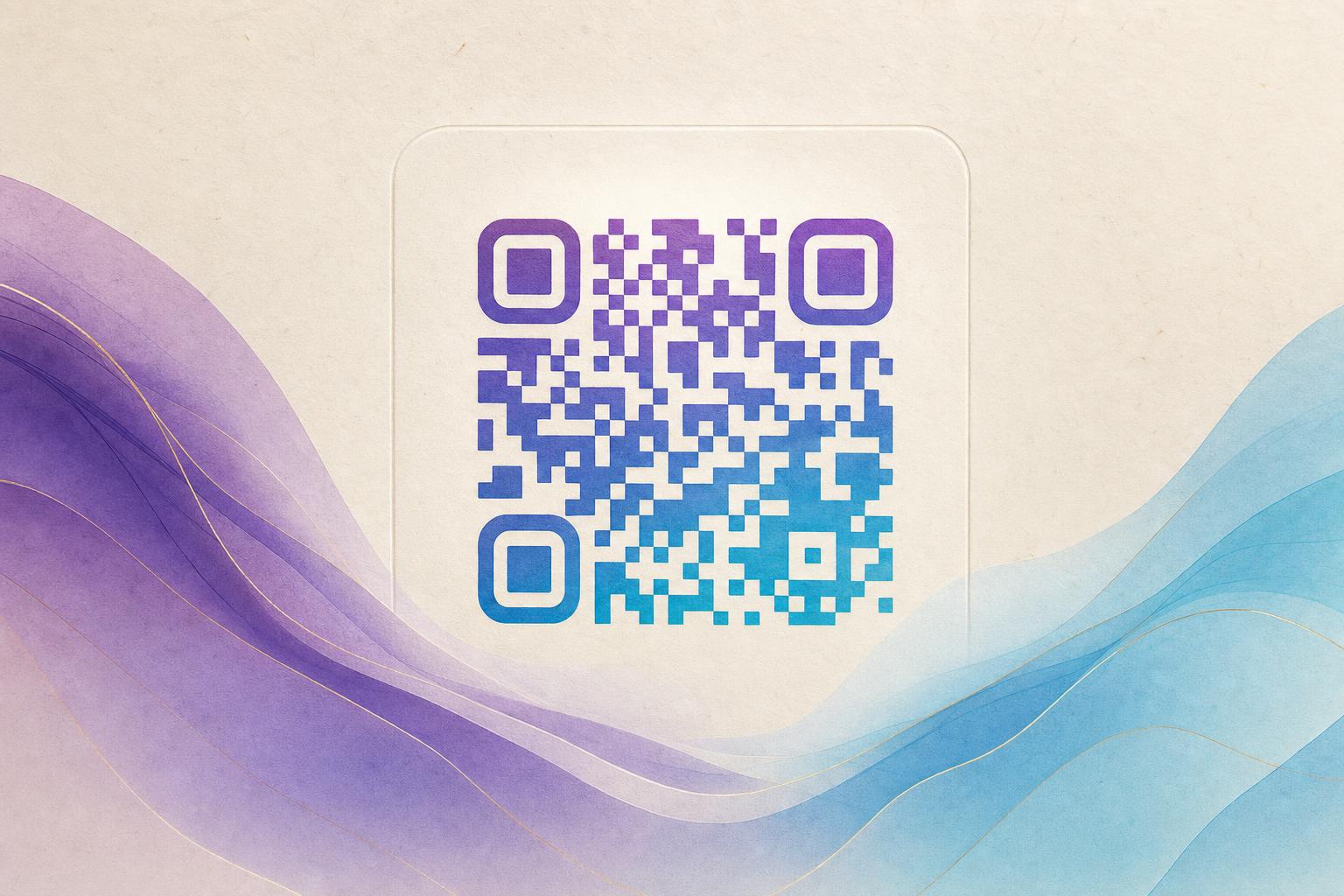
Looking for a qr code generator free? A free QR code generator creates a standard black-and-white code, but if you want a code that actually gets scanned, you need something more eye-catching. With Aiqrdream's AI Art QR Code Generator, you can turn a plain QR code into an artistic QR code that blends seamlessly with a photo, logo, or custom design—completely free. In this guide, we'll walk you through the steps to create a scannable, beautiful QR code that stands out and drives results.
Why Use an Artistic QR Code?
Standard QR codes are functional but forgettable. An artistic QR code integrates your brand's visual identity—like a logo, product image, or custom artwork—directly into the code pattern. This makes the code more noticeable and increases scan rates. Whether you're a small business owner, event planner, or marketer, a styled QR code can elevate your QR code marketing efforts and leave a lasting impression.
Step-by-Step: Create a Free Artistic QR Code
Step 1: Choose Your Destination URL
Before you design, decide where your QR code will lead. It could be your website, a landing page, a menu, or a social media profile. With Aiqrdream, you can also create a dynamic QR code, which allows you to change the destination later without reprinting the code. This is especially useful for campaign QR codes or membership QR codes that need to stay current.
Step 2: Open the AI Art QR Tool
Go to the AI Art QR Code Generator on Aiqrdream. No sign-up is required to start—it's a qr code generator free to use. You'll see options to upload an image or choose from templates.
Step 3: Upload Your Image or Logo
This is where the magic happens. Upload a high-contrast image, such as your logo, a product photo, or a piece of art. The tool will blend the QR code pattern into the image using AI, creating a seamless AI art QR that looks like part of the design. For best results, use an image with clear shapes and avoid overly busy backgrounds.
Step 4: Customize the Style
Adjust the colors, contrast, and pattern density to ensure the QR code remains scannable. Aiqrdream's QR design tool lets you choose from various styles, including circular QR code shapes and hidden text art where the code is subtly embedded. You can also add a custom short link or custom QR domain for branding.
Step 5: Test and Download
Always test your QR code with multiple devices before finalizing. Use the built-in scanner or your phone's camera to ensure it redirects correctly. Once satisfied, download the high-resolution image for print or digital use. With a dynamic QR code free plan, you can also track scans and edit the destination later—perfect for live QR codes that need flexibility.
Advanced Tips for Better Results
- Keep contrast high: Ensure the QR code pattern stands out against the background for reliable scanning.
- Use a clear call-to-action: Add text like "Scan me" or "Learn more" near the code to encourage engagement.
- Leverage QR analytics: Track scans to measure the success of your QR code marketing campaigns and adjust as needed.
- Experiment with formats: Try animated GIF QR codes for digital displays or social media to grab even more attention.
Common Pitfalls to Avoid
While creating an artistic QR code is easy, avoid these mistakes:
- Overcomplicating the design: Too much detail can make the code unscannable. Stick to simple, bold elements.
- Forgetting to test: Always test on different devices and lighting conditions.
- Using low-resolution images: Blurry images lead to blurry codes. Start with high-quality assets.
Take Your QR Codes Beyond the Basics
A qr code generator free is a great start, but an artistic QR code from Aiqrdream turns a utility into a brand asset. Whether you need a circular QR code free for a flyer or a dynamic QR code tool for a campaign, Aiqrdream's QR code studio has you covered. Ready to create? Visit the AI Art QR Code Generator and design your first artistic QR code today—no cost, no hassle, just results.