
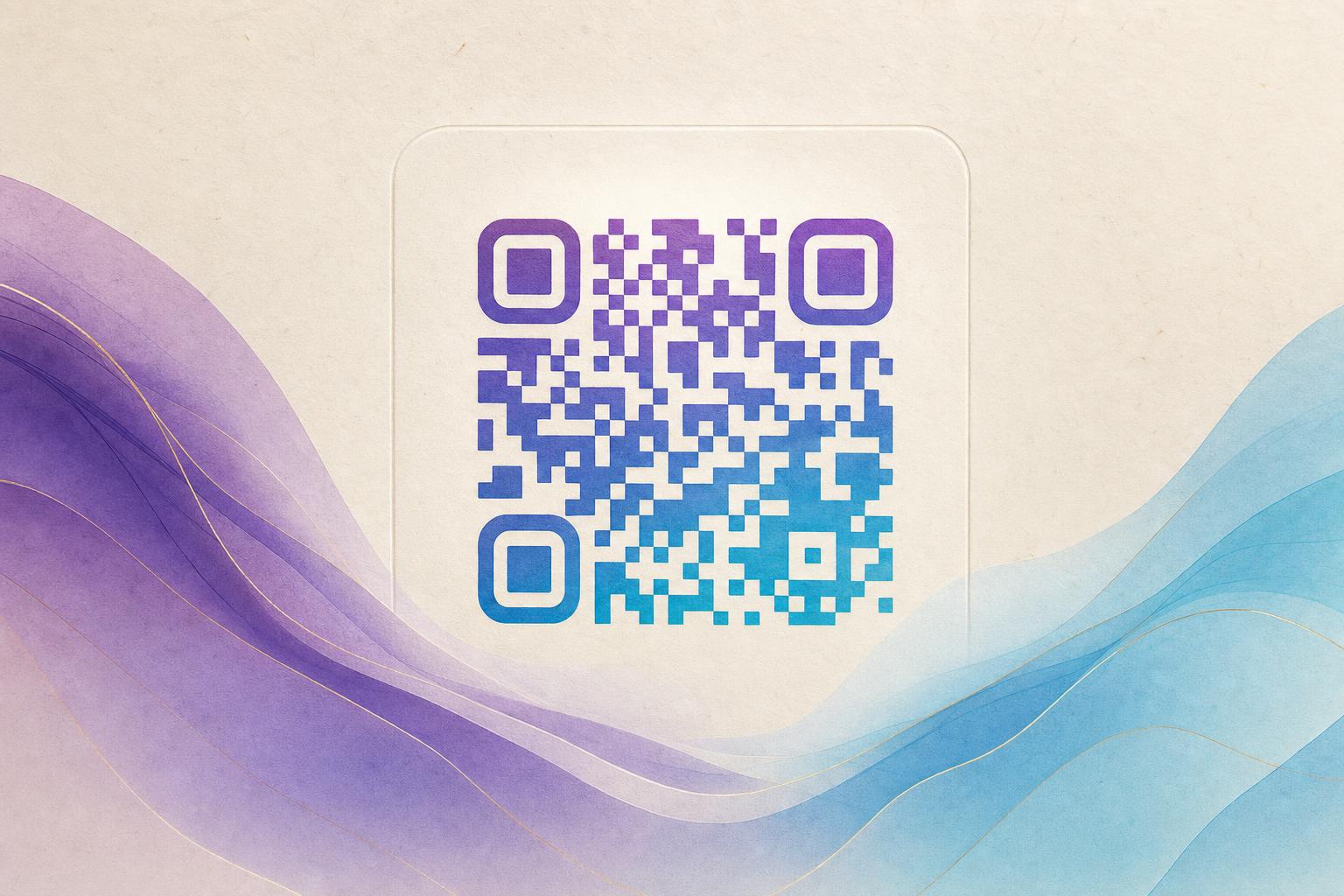
An editable QR code generator free of charge works by separating the printed pattern from the destination it points to. You create a dynamic QR code, which stores a short redirect link rather than your final URL. When you need to change where the code sends people, you edit that redirect in your dashboard, and every printed copy keeps working. That is the whole trick: the image stays the same, the destination stays flexible.
Below is a practical workflow you can follow today, from first draft to a styled, trackable code you can update whenever your campaign changes.
Step 1: Decide what the code should do
Before you open any tool, write one sentence describing the scan result. Good editable codes have a single clear job:
- Open a landing page, menu, or signup form
- Send people to a custom short link you control
- Unlock a membership QR or event pass
- Trigger a scan to redirect for a print or poster campaign
If you cannot describe the destination in one sentence, split it into two codes. Editable codes are cheap to make; confusing scans are expensive.
Step 2: Generate the dynamic QR code
Open the AI Art QR code generator and start a new project. Choose the dynamic option so the code is editable later, then paste your destination URL. The tool creates a short redirect that sits between the printed pattern and your page, which is what makes future edits possible.
Keep the first version plain. You want a clean, high-contrast code that scans reliably before you add any styling.
Test before you decorate
- Download the code as a PNG.
- Scan it with two different phones, at arm's length and up close.
- Confirm the redirect lands on the right page, including on mobile data.
If a plain code fails, styling will only make it worse. Fix the link first.
Step 3: Make it beautiful without breaking the scan
Once the plain code works, use the styling controls to make it fit your brand. A beautiful QR code generator free of clutter still respects a few technical limits:
- Contrast is king. Dark modules on a light background scan best. Inverted codes fail on many cameras.
- Keep the quiet zone. Leave a clear margin around the pattern; do not crop it tight.
- Style the edges, not the core. Rounded or dotted modules and a circular QR code frame look great as long as the finder patterns in three corners stay intact.
- Add a logo carefully. A centered logo should cover no more than roughly a fifth of the code area, and the tool should handle error correction for you.
If you want the code blended into artwork, a photo, or a poster background, use the artistic QR code generator mode. The pattern is woven into the image so it reads as design rather than a sticker, while the scan path stays intact. This is where AI QR code styling earns its keep: you get a styled QR code that still behaves like a utility.
Step 4: Edit and repoint whenever you need
This is the payoff of the editable QR code. Log in to your dashboard, open the code, and change the destination URL. Useful patterns:
- Seasonal campaigns: point the same poster code at a summer page, then a winter page.
- Print runs: one code on every flyer, repointed per event.
- Membership QR: send members to a current benefits page without reissuing cards.
- QR code marketing tests: swap between two landing pages and compare results.
Every edit keeps the same printed image, so nothing needs reprinting. Pair edits with QR analytics so you can see which version performed better.
Step 5: Use a custom domain and short link
A custom QR domain or custom short link makes scans look trustworthy and keeps your redirects portable if you ever change tools. Set this up early, because migrating a live QR code later is more work than doing it once.
Rule of thumb: if a code will appear on anything printed, make it dynamic and put it on your own domain.
Step 6: Export, place, and track
Download the final file in the format your printer needs, usually SVG or a high-resolution PNG. Place it where people can actually scan it: at eye level, with enough size, and with a short call to action nearby. Then watch your QR analytics for scan counts by time and location.
If a code underperforms, do not redesign the artwork first. Change the destination, test again, and compare. The editable QR code gives you that freedom, which is exactly why a free editable generator beats a static one for anything you plan to print more than once.
Quick checklist
- Write the scan goal in one sentence.
- Create a dynamic code with a short redirect.
- Test the plain version on two phones.
- Style it with strong contrast and an intact quiet zone.
- Add a logo or AI art only after it scans cleanly.
- Attach a custom short link or domain.
- Export print-ready files and track scans.
- Edit the destination whenever the campaign changes.
Follow those steps and your code stays both beautiful and editable, which is the whole point of choosing a free editable QR code generator in the first place.