
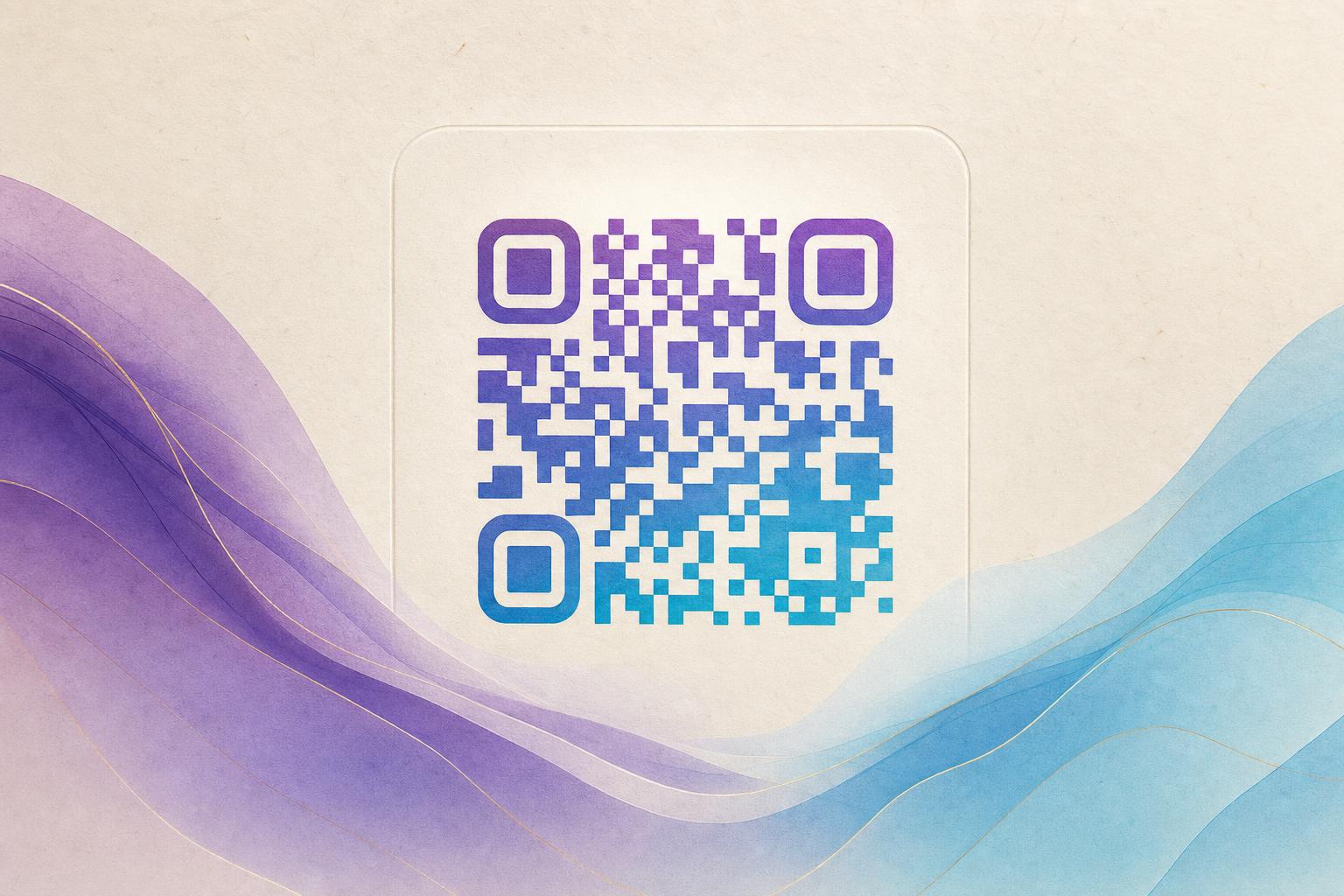
A free editable QR code generator lets you create a QR code whose destination you can change later, even after the code has been printed or posted. Instead of encoding a fixed URL directly into the pattern, the code points to a short link you control, so you can swap the target page, update a campaign, or fix a typo without reprinting anything. This tutorial walks you through building one from scratch, styling it so people actually want to scan it, and keeping it live for the long term.
Why editable beats static
A static QR code bakes the destination into the pattern itself. Change the link and the old code is dead. An editable QR code, sometimes called a dynamic QR code, works differently: the printed pattern resolves to a short link on the generator's servers, and that short link forwards to whatever destination you set. That single difference unlocks a lot:
- Update without reprinting. Menus, event schedules, and product pages change. Your code does not have to.
- Track scans. Because the code routes through a redirect, you can see how many people scanned it and when.
- Redirect by context. Send mobile scanners to a mobile page and desktop scanners elsewhere with a smart QR redirect.
- Keep one code for many campaigns. Reuse a single campaign QR code across print runs by editing the destination each time.
Step 1: Pick your destination first
Before you open any QR code generator tool, decide what the code should do. Good destinations are specific and mobile-friendly: a menu page, a signup form, a product listing, a booking page, or a short video. Avoid dumping people on a homepage and hoping they find their way. A focused landing page raises your scan-to-action rate far more than any design tweak.
Step 2: Create the code and claim your short link
Open the generator and choose the dynamic option. You will enter your destination URL, and the tool will give you a short link that acts as the middleman. Two things matter here:
- Name the link something readable. A custom short link like yourbrand.com/menu is easier to trust and easier to say out loud.
- Use a custom QR domain if offered. A branded domain signals legitimacy and keeps all your codes under one roof.
Once the short link exists, the QR pattern is generated around it. From this point on, you edit the short link's destination, not the pattern.
Step 3: Make the code worth scanning
A plain black-and-white square works, but it does not invite a scan. This is where a QR code studio earns its keep. You can beautify QR code designs with color, rounded modules, a logo in the center, or a full artistic treatment. For a more striking result, try the AI Art QR tool, which blends your code into an AI-generated illustration while keeping it scannable.
A few styling rules keep you out of trouble:
- Keep contrast high. Dark modules on a light background scan best. Inverted codes fail on many phones.
- Leave the quiet zone alone. The empty border around the code is functional, not decorative.
- Test before you print. Scan the final artwork at arm's length with two different phones.
- Do not over-style small codes. A circular QR code or heavy logo overlay needs more physical size to stay reliable.
Step 4: Edit the destination whenever you need to
This is the payoff. Log back into the generator, open your saved code, and change the destination URL. The printed pattern stays identical; only the redirect changes. You can edit QR code online from any device, which means a last-minute menu change or a corrected link takes seconds. If you run several placements, keep a simple log of which code lives where so you never update the wrong one.
Step 5: Read the analytics and iterate
A trackable QR code gives you data that static codes never will. Watch scan volume by day, by placement, and by device. If a poster in one location outperforms another, shift your budget. If scans spike then fall off, your destination page may be stale. Pair the code with a live QR code page you can refresh, and the same print asset keeps earning attention for months.
Step 6: Put the code where it gets scanned
Placement decides success as much as design. Put codes where hands and eyes already are: table tents, packaging, receipts, door signs, slide decks, and email footers. Add a short call to action next to every code so people know what they get: Scan for the menu beats a bare square every time. For membership QR codes, place the code where staff can reach it easily with a scanner.
Common mistakes to avoid
- Printing a static code by accident. Confirm the code is dynamic before you send it to the printer.
- Letting the short link expire. Free plans sometimes pause links. Check the terms before a long print run.
- Ignoring the destination page. A beautiful code leading to a broken page is worse than no code.
- Skipping the test scan. Always scan the finished artwork, not just the on-screen preview.
Where artistic codes fit
Once the mechanics are solid, design becomes your differentiator. An artistic QR code or AI art QR turns a utility into part of the visual. Restaurants can blend the code into an illustrated menu cover, brands can fold it into an AI poster, and event organizers can hide it inside a themed graphic. The key is restraint: the code must still read at a glance. Use a QR design tool that previews scannability as you style, and keep a plain fallback version for small formats where art would blur the modules.
Quick recap
- Choose a focused, mobile-friendly destination.
- Create a dynamic code with a custom short link.
- Style it with contrast, a logo, or AI art, then test it.
- Edit the destination anytime instead of reprinting.
- Track scans and refresh the landing page as needed.
- Place codes where people already are, with a clear call to action.
That is the whole loop. Build once, edit forever, and let QR code marketing work for you long after the ink dries.