
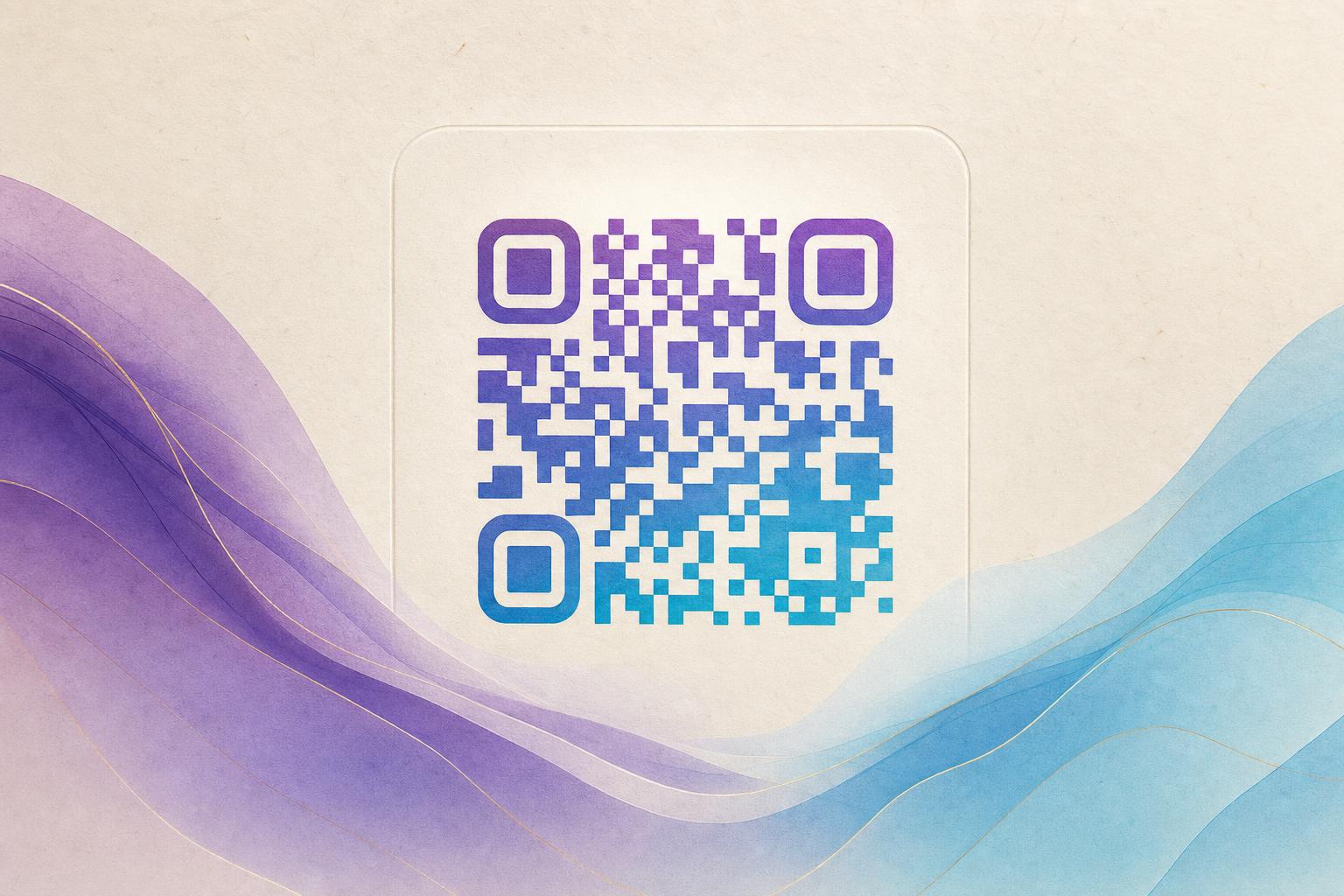
An editable QR code generator lets you create a QR code once and change where it points later—without reprinting your posters, flyers, or product labels. With Aiqrdream's AI Art QR tool, you can generate a beautiful, artistic QR code that blends with your design, then edit the destination URL whenever you need. This guide walks you through the entire process, from creating your first AI-powered QR code to updating it on the fly.
Why Use an Editable QR Code?
Traditional static QR codes are permanent—once printed, the destination is locked. An editable QR code (also called a dynamic QR code) solves this by using a short redirect link that you control. You can change the destination, track scans, and even update the design without touching the printed code. This is perfect for QR code marketing campaigns, event posters, and packaging where flexibility matters.
Step 1: Choose Your Artistic Style
Start by visiting the AI Art QR tool. You'll see options to generate an artistic QR code using AI. Select a theme that matches your brand or campaign—options include abstract art, nature, geometric patterns, and more. You can also upload a logo or photo to blend with the QR code for a truly custom look.
Step 2: Enter Your Destination URL
Paste the URL you want the QR code to link to. This could be your website, a landing page, a menu, or any online content. Because you're using an editable QR code generator, this URL is not baked into the QR pattern itself—it's stored in a redirect that you can change later.
Step 3: Customize the Design
Use the built-in QR design tool to adjust colors, add a logo, or choose a circular QR code shape. Aiqrdream's AI will automatically blend your chosen art with the QR pattern, ensuring it remains scannable. You can preview the result in real time and make adjustments until it looks perfect.
Step 4: Generate and Download
Click generate, and your AI QR code is ready. Download it in high resolution for print or digital use. The QR code is now live and trackable—every scan will be recorded, giving you valuable QR analytics.
Step 5: Edit Anytime
This is where the magic happens. Log in to your Aiqrdream dashboard, find your QR code, and click edit. You can change the destination URL, update the design, or even switch to a different artistic QR code style. The printed code remains the same, but the destination updates instantly. This makes it easy to run campaign QR codes that evolve over time.
Best Practices for Editable Artistic QR Codes
- Test before printing: Always scan the QR code with multiple devices to ensure it works.
- Use a custom short link: Aiqrdream provides a custom short link and custom QR domain to reinforce your branding.
- Keep the design balanced: Ensure sufficient contrast between the QR pattern and the background art for reliable scanning.
- Track performance: Use QR analytics to see how many scans you get and adjust your campaigns accordingly.
- Update regularly: Change the destination for seasonal promotions or new content to keep engagement high.
Common Use Cases
Editable artistic QR codes are versatile. Here are a few ideas:
- Event posters: Link to a schedule that you can update in real time.
- Restaurant menus: Change the menu without reprinting table tents.
- Product packaging: Direct customers to instructional videos or promotions that change over time.
- Membership QR: Use a live QR code for member check-ins that you can redirect to different forms.
Conclusion
An editable QR code generator gives you the freedom to create beautiful, AI-powered QR codes and update them whenever you need. With Aiqrdream's AI Art QR tool, you can design a styled QR code that stands out, track scans, and edit the destination in seconds. Start creating your own AI art QR today and experience the flexibility of dynamic QR codes.