
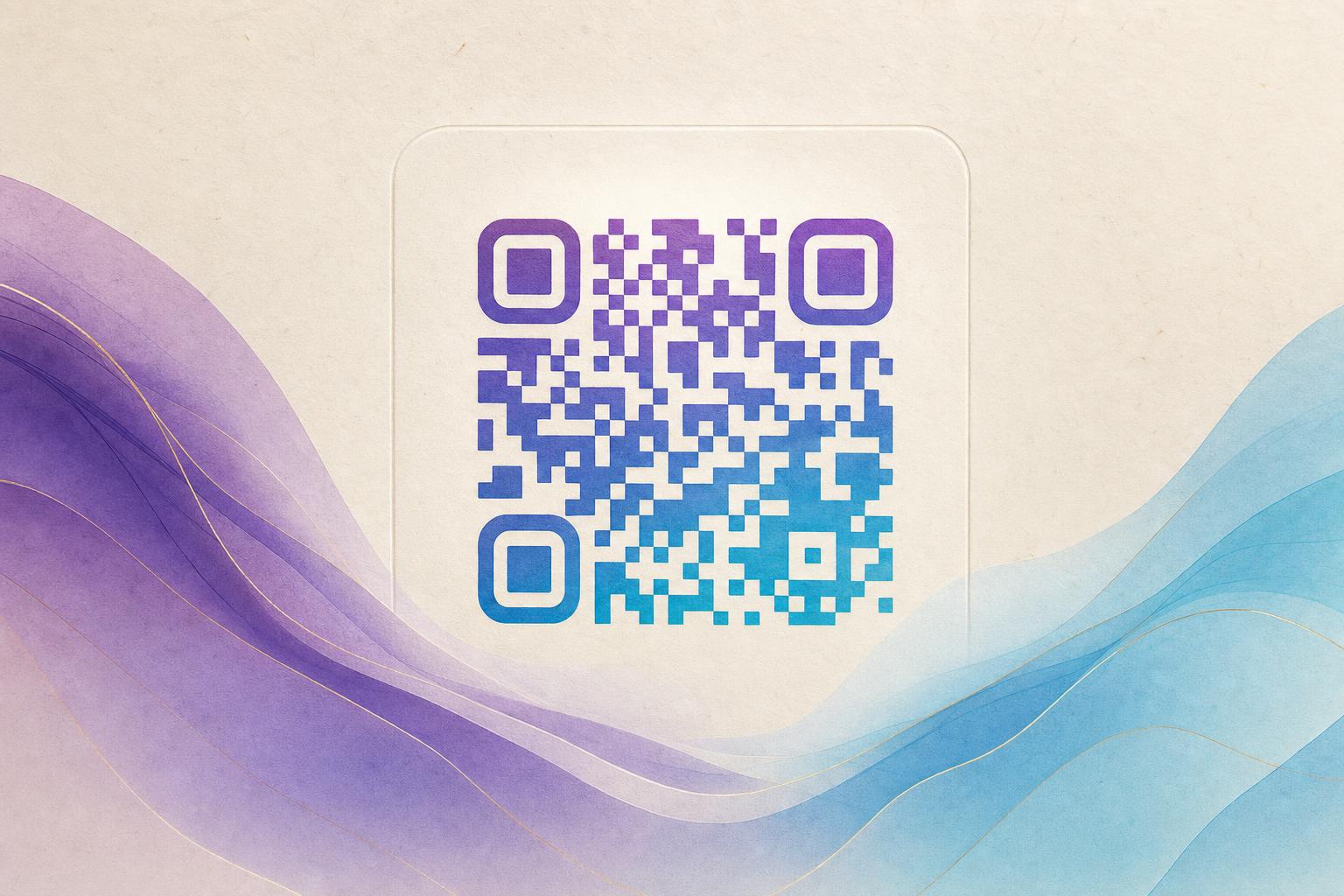
If you're searching for a dynamic qr code generator online, you've come to the right place. A dynamic QR code generator online lets you create QR codes that can be edited after printing, track scans, and even turn your QR code into a piece of art. With Aiqrdream's AI Art QR tool, you can generate a dynamic QR code that blends seamlessly with your brand's visuals—no design skills required.
Why Use a Dynamic QR Code Generator Online?
Traditional static QR codes are fixed—once printed, the destination can't be changed. A dynamic QR code, on the other hand, redirects through a short link, so you can update the destination anytime, track scans with QR analytics, and even use a custom short link or custom QR domain. This makes dynamic QR codes perfect for campaigns, membership cards, and any situation where flexibility matters.
But why settle for a plain black-and-white square? With an artistic QR code generator, you can beautify QR code designs to match your brand, incorporate hidden text art, or even create an AI poster that includes a scannable QR code. The result is a beautiful qr code generator experience that turns a functional tool into a marketing asset.
Step-by-Step: Create an AI Artistic Dynamic QR Code
Follow these steps to create your own AI art QR code using Aiqrdream's AI Art QR tool.
Step 1: Choose Your Destination URL
Decide where your QR code should redirect. This could be your website, a landing page, a membership signup form, or any other URL. Since it's a dynamic QR code, you can change this link later without reprinting.
Step 2: Upload a Logo or Photo (Optional)
To make your QR code truly unique, upload a logo or photo that you want to blend into the design. The AI will integrate it seamlessly, creating a QR code that looks like a piece of art rather than a generic pattern. This is perfect for QR branding and makes your code instantly recognizable.
Step 3: Select an Art Style
Choose from a variety of artistic styles—from watercolor and oil painting to futuristic neon and minimalist line art. You can also opt for hidden text art, where the QR code is formed by letters or words that convey a message. This is a great way to add a layer of creativity to your QR code marketing.
Step 4: Generate Your QR Code
Click the generate button and let the AI work its magic. Within seconds, you'll have a stunning artistic QR code that is fully scannable. The tool ensures that the QR code remains functional while looking like a custom design.
Step 5: Test and Customize
Before finalizing, test your QR code with multiple devices to ensure it scans correctly. You can also adjust the design—change colors, add a call-to-action, or incorporate your brand's logo more prominently. As an editable QR code, you can come back anytime to edit QR code online, tweaking the design or updating the destination URL.
Step 6: Download and Share
Once you're satisfied, download your QR code in high resolution for print or digital use. You can also generate a custom short link to make sharing easier. Use your QR code on posters, business cards, product packaging, or social media.
Benefits of AI Artistic Dynamic QR Codes
- Brand Consistency: Blend your logo or brand colors into the QR code for a cohesive look.
- Trackable: Monitor scans with QR analytics to measure campaign performance.
- Editable: Update the destination URL anytime without changing the printed code.
- Engaging: Artistic designs attract more scans and make your brand memorable.
- Versatile: Use for membership QR codes, event passes, product info, and more.
Use Cases for Artistic QR Codes
Artistic QR codes are not just pretty—they serve practical purposes. Here are a few ideas:
- Membership Cards: Create a membership QR that members can scan to access exclusive content or discounts.
- Event Posters: Design an AI poster with an integrated QR code that links to ticket purchasing or event details.
- Product Packaging: Add a styled QR code that leads to product tutorials or reviews.
- Social Media: Share a circular QR code that redirects to your latest campaign or giveaway.
Tips for Creating Effective Artistic QR Codes
- Keep Contrast High: Ensure the QR code pattern stands out from the background for reliable scanning.
- Test Before Printing: Always test your QR code on different devices and lighting conditions.
- Use a Call-to-Action: Add a short phrase like "Scan me" to encourage interaction.
- Leverage QR Analytics: Track scans to understand user behavior and optimize your campaigns.
- Stay On-Brand: Use colors and styles that align with your brand identity.
Ready to create your own AI artistic QR code? Try the AI Art QR tool today and turn a simple scan into a work of art.