
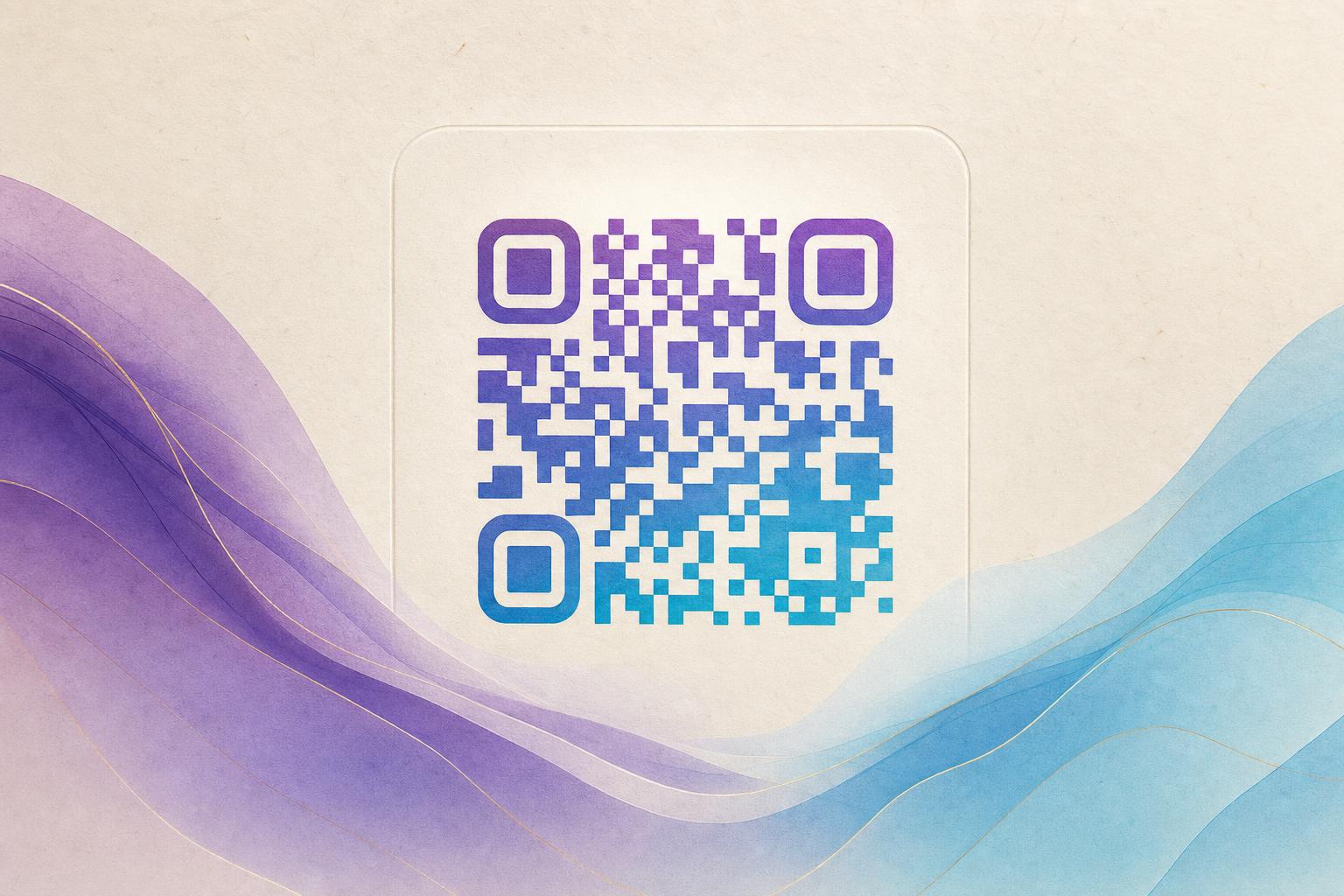
A dynamic QR code free generator lets you create QR codes that you can edit and track after printing. Unlike static codes, dynamic codes redirect through a short URL, so you can change the destination anytime and see scan analytics. To get started, visit a free tool like Aiqrdream's AI Art QR tool, enter your URL, and customize the design. The steps below walk you through the process, from generating a basic dynamic QR to adding artistic elements that make your code stand out.
Step 1: Choose a Dynamic QR Code Free Generator
Select a reliable free generator that offers dynamic features. Look for one that provides:
- Unlimited scans and edits on free plans (or generous limits).
- Analytics to track scan counts and locations.
- Customization options like colors, logos, and shapes.
- Options to beautify QR code with AI or artistic styles.
Aiqrdream's AI Art QR tool fits these criteria and adds creative flair with AI-generated art. It's a dynamic QR code tool that also functions as a QR code studio for advanced design.
Step 2: Generate Your Dynamic QR Code
Once on the tool page, follow these sub-steps:
- Enter your destination URL. This is where users will land after scanning. It could be your website, a landing page, or a custom short link.
- Select 'Dynamic QR' as the type. This ensures the code is editable and trackable.
- Click 'Generate'. The tool creates a unique short URL and a QR code image.
You now have a basic dynamic QR code. The next steps focus on design and branding.
Step 3: Customize the Design
Make your QR code visually appealing and on-brand. Use the customization options to:
- Change the color scheme to match your brand.
- Add a logo in the center (ensure it doesn't cover too much of the code).
- Adjust the shape of the modules (e.g., circular QR code free option).
- Add a frame with a call-to-action.
For a circular QR code free of charge, look for the 'circular' or 'rounded' style option. This gives a modern look while maintaining scannability.
Step 4: Add Artistic Elements with AI
Take your QR code beyond basic black and white. With AI art QR features, you can blend the code with a photo or logo, or generate an artistic background. Here's how:
- Upload a logo or image if you want to fuse it with the QR code.
- Choose an AI art style (e.g., watercolor, neon, abstract). The tool will generate a design that incorporates the QR pattern.
- Adjust the blend level to ensure the code remains scannable.
This process creates an AI QR code that doubles as a piece of art. You can also use the tool to beautify QR code with hidden text art or AI poster designs.
Step 5: Test and Download
Before printing or sharing, test the QR code with multiple devices. Ensure it scans quickly and leads to the correct page. Then download the high-resolution image (PNG or SVG) for print or digital use. Dynamic codes can be edited later, so you can update the destination without reprinting.
Step 6: Track and Optimize
Use the built-in QR analytics to monitor scans. See how many people scan, when, and from where. This data helps you measure campaign effectiveness and adjust your strategy. You can also change the destination URL anytime—a key benefit of a dynamic QR code.
Bonus: Advanced Tips for QR Code Marketing
- Use a custom QR domain to build trust and brand recognition.
- Create a membership QR that links to a sign-up page and tracks conversions.
- Design a campaign QR code with a themed artistic style for events or promotions.
- Experiment with animated GIF QR codes (if the tool supports it) to catch the eye on digital displays.
With Aiqrdream's AI Art QR tool, you can create a styled QR code that stands out and performs. Remember to keep a margin around the code and test regularly.
Pro tip: Dynamic QR codes are ideal for long-term use because you can update the content without changing the printed code. Always choose a generator that offers unlimited scans and edits.
Now you're ready to create your own dynamic QR code free of cost. Start with a simple design, then explore artistic options to make it uniquely yours.