
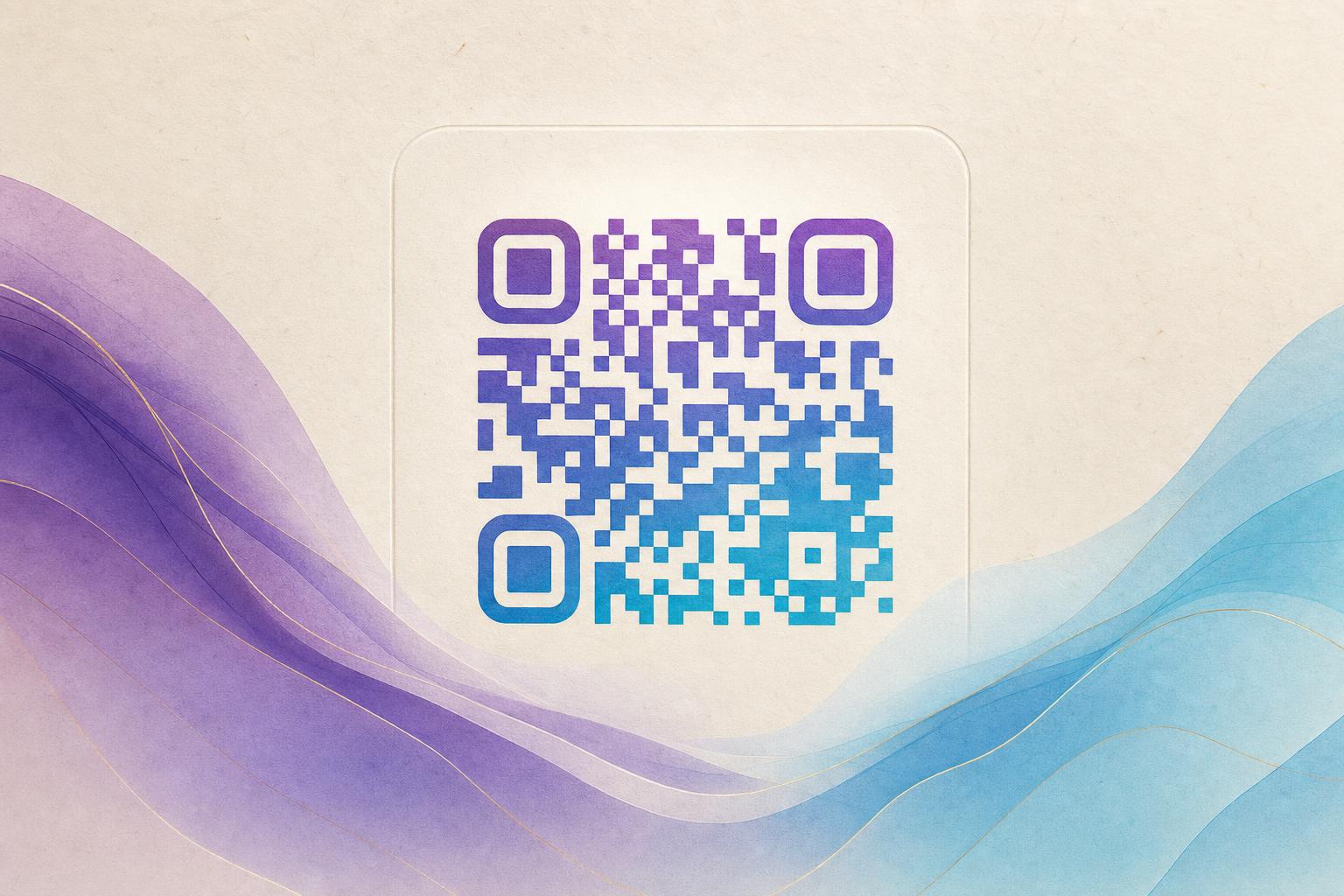
An ai art qr code is a scannable QR code that has been blended into an illustration, photo, or poster instead of sitting on a plain white square. The code still does its job, but it looks like part of the artwork. You create one by generating a base link, choosing an art style, letting the model merge the code pattern into the image, then testing the result on real phones before you publish. Below is a practical workflow you can repeat for menus, packaging, event posters, and membership cards.
Step 1: Decide what the code should do
Art comes second. First, write down the single action you want from a scan: open a menu, land on a product page, join a membership list, download a file, or play a video. A focused destination keeps the design clean and makes results measurable.
- One link per code. Avoid pointing a printed code at a page that may change without notice.
- Short and stable. A short URL keeps the underlying pattern simpler, which gives the art more room to work.
- Plan for edits. If the destination may change, start with a dynamic QR code so you can update the target later without reprinting.
Step 2: Generate the base code and link
Use a AI Art QR Code generator to create the starting code. Paste your destination URL, pick a size that matches where it will appear, and download a clean version. This clean file is your fallback if the artistic version ever fails a scan test.
If you need a branded address, set up a custom short link or custom QR domain first. A tidy address such as yourbrand.com/menu looks better on a poster and is easier to say out loud than a long parameter string.
Step 3: Choose a style that fits the placement
The best artistic QR codes match their surroundings. Think about where the code will live before you pick a look.
- Print posters and flyers: illustrations, painterly textures, or a scene built around the product.
- Packaging: a pattern that echoes the label palette, so the code reads as decoration.
- Business cards and membership QR: a subtle logo blend or a circular QR code that fits a badge shape.
- Digital screens: an animated GIF QR code for stories, lobby displays, or event loops.
You can also blend a photo or logo into the code with a fusion tool when brand recognition matters more than illustration.
Step 4: Tune contrast and error correction
Scanning depends on contrast between the code modules and the background. Art can hide the pattern, but it cannot remove the need for difference. Most generators let you adjust error correction, which controls how much of the code can be obscured while remaining readable.
- Raise error correction to a higher level when the artwork covers a lot of the code.
- Keep the three corner markers clearly visible and high contrast.
- Darken the modules or lighten the background if the preview looks muddy.
- Avoid placing busy detail directly over the center of the code.
If a design will not scan, simplify before you abandon it. Reducing the amount of art over the code usually fixes the problem faster than changing the link.
Step 5: Test on real devices
Never approve a design from a screen preview alone. Export the file at final size and test it the way your audience will.
- Scan from at least three phones, including one older model.
- Test at the actual print size, not zoomed in on a monitor.
- Check under dim light and at an angle, as people scan posters in the real world.
- Confirm the destination loads quickly on mobile data.
If it scans in the studio but not on the wall, the problem is usually contrast or size, not the artwork itself.
Step 6: Add tracking before you print
A trackable QR code tells you whether the design worked. Use a dynamic QR code with scan analytics so you can see volume by day, device type, and location. This is where QR code marketing becomes useful: you learn which placement earns scans and which poster gets ignored.
Dynamic codes also let you run a smart QR redirect — send mobile users to a mobile page, route by language, or swap a campaign destination after launch. If a printed code points to an outdated offer, you update the redirect instead of reprinting the whole run.
Step 7: Pair the code with a poster
Most artistic codes live inside a larger layout. Build the surrounding design with an online poster maker or AI poster design tool so the typography, palette, and call to action match the code style. Keep a clear instruction near the code, such as "Scan for the full menu," and leave breathing room around the code so cameras can lock on quickly.
For a cohesive set, reuse the same palette and illustration style across a campaign QR code series. Consistent QR branding makes codes feel intentional rather than pasted on.
Step 8: Export, print, and keep the clean file
Export at the resolution your printer requires, and keep both the artistic version and the plain original. Save the project in your QR code studio account so you can produce seasonal variants without rebuilding the link. For a free first test, an artistic QR code free tier is usually enough to validate the concept before you commit to a full print run.
Common mistakes to avoid
- Too much art over the code. Keep the pattern readable, especially near the corners.
- Low contrast palettes. Pastel on pastel fails in sunlight.
- Codes that are too small. Give the code enough physical space for the distance it will be scanned from.
- No test scan. One minute of testing saves a reprint.
- Static codes for changing offers. Use an editable QR code when the destination may move.
Quick checklist
- Define one destination and one action.
- Generate a clean base code and short link.
- Pick a style that fits the placement.
- Raise error correction and protect the corner markers.
- Test on multiple phones at final size.
- Enable analytics and a smart redirect.
- Build the poster around the code, not on top of it.
- Archive both the artistic and plain versions.
Done well, an AI art QR code disappears into the design while still doing its job. Start with a clear link, protect the scan pattern, test before printing, and let tracking tell you what to improve next.